The Aorta toolkitYour next great workflow.
Already connected.
From discovering a prospect to delivering the project. Explore the tools that keep your people, conversations and work moving together.
Relationships, in context. Built for the way you workFind the tools.
See the possibilities.
Real product previews, practical workflows and the details behind each feature. Choose an area of your business to start exploring.
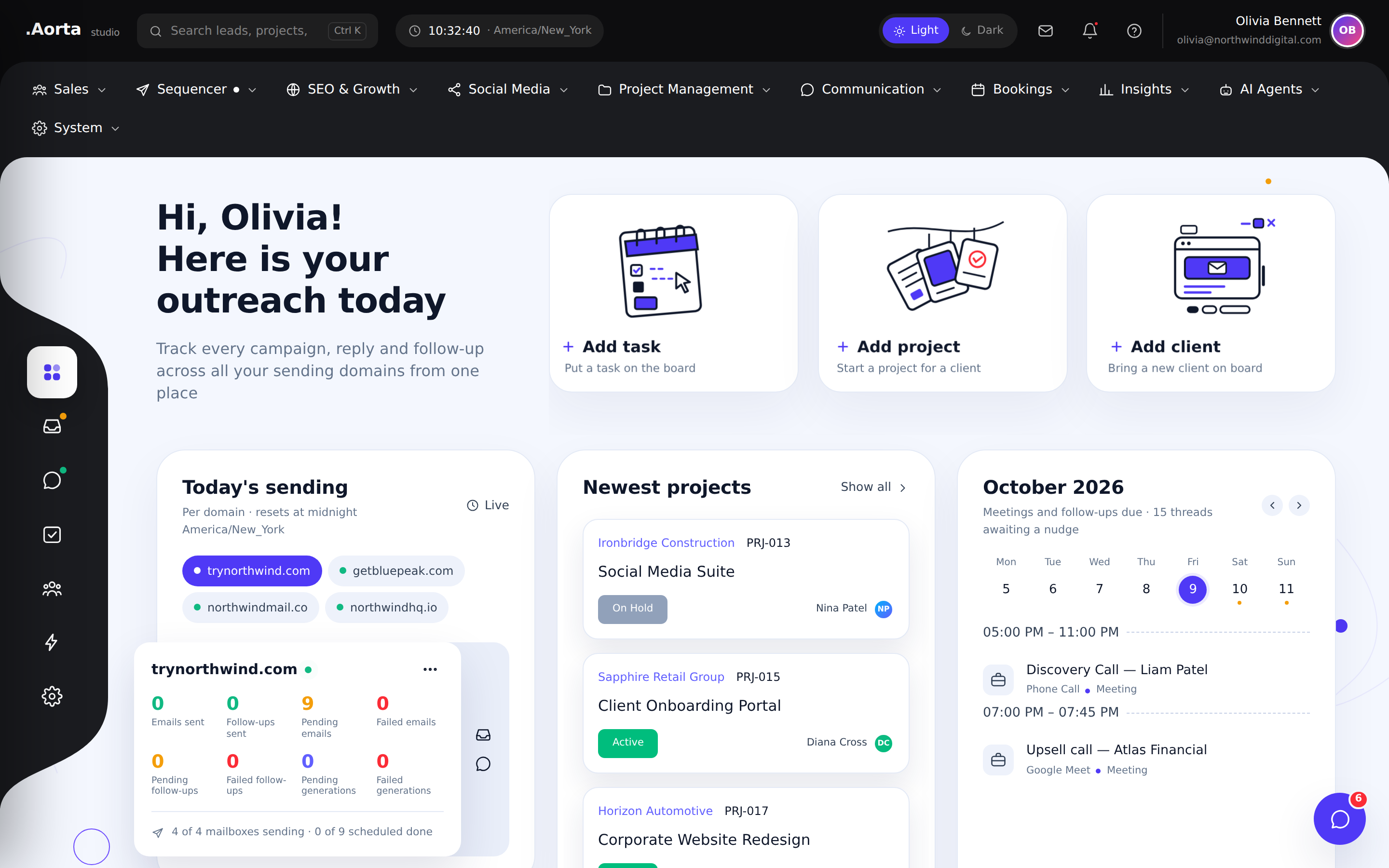
Sales & CRMSee sending activity, current projects and upcoming meetings together, so your team can decide what needs attention first.
- Monitor sending by domain
- Open recently active projects
- Plan around your meeting calendar
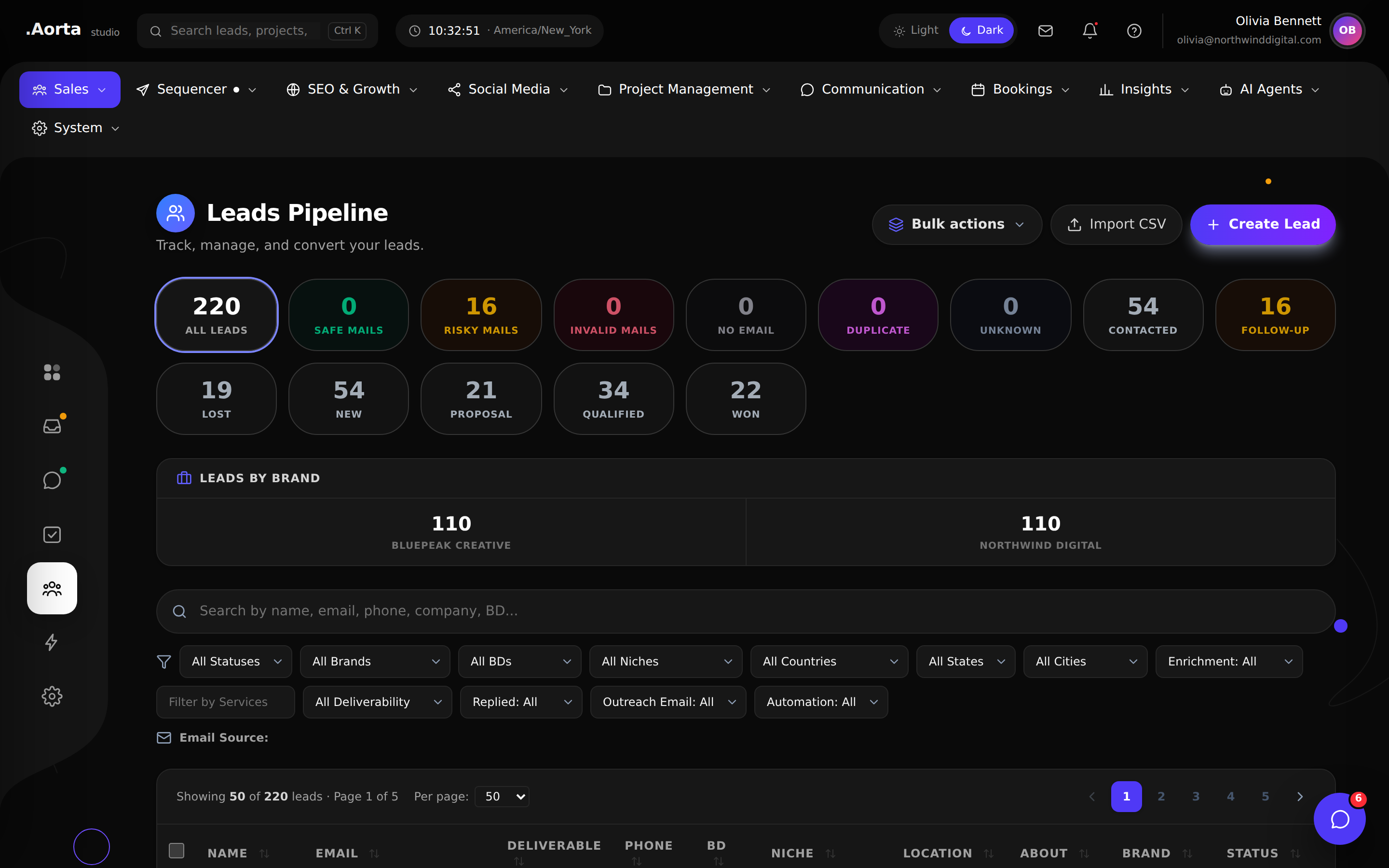
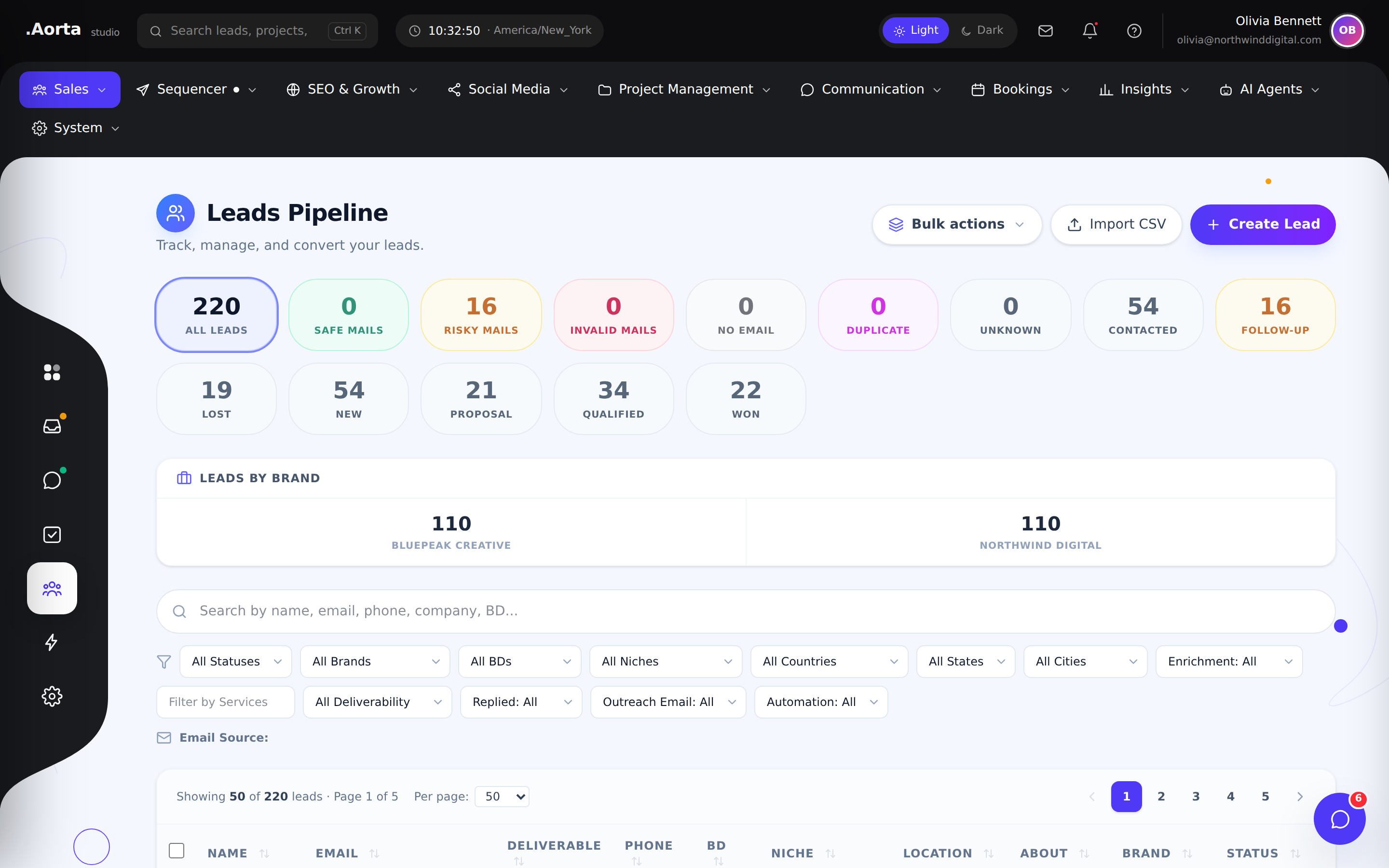
Explore the full feature ↗ Sales & CRMKeep prospects moving through a visual sales pipeline with clear stages, ownership and next actions.
- Organize leads by sales stage
- Review deal context before outreach
- Keep follow-ups connected to the pipeline
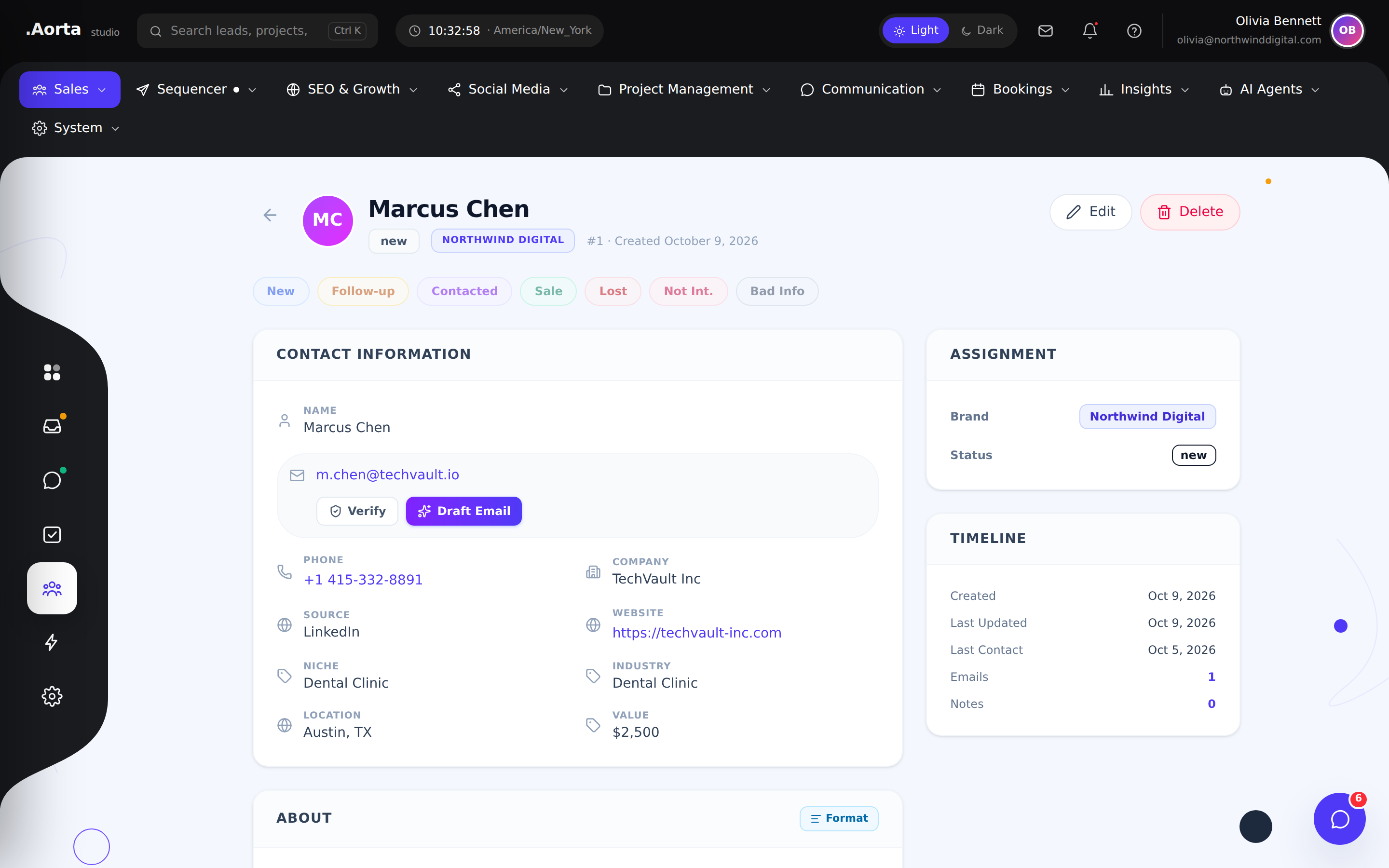
Explore the full feature ↗ Sales & CRMBring a prospect’s contact details and sales history into one profile before your next conversation.
- Review contact and company details
- Track the relationship history
- Move from research to a relevant follow-up
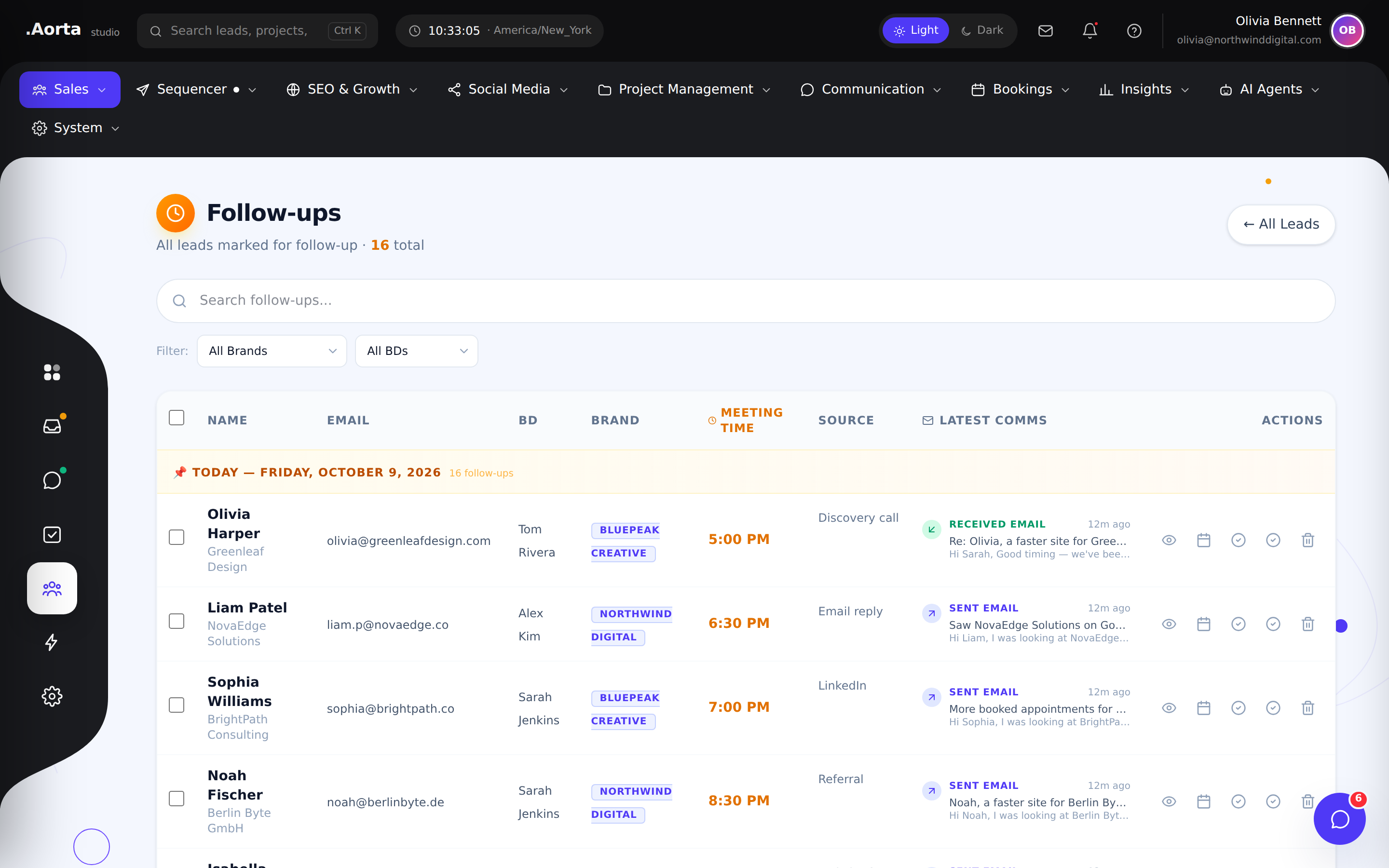
Explore the full feature ↗ Sales & CRMReview upcoming follow-ups alongside their lead context, so promising conversations stay on your radar.
- Find leads awaiting a response
- Organize upcoming follow-up work
- Return to the associated lead profile
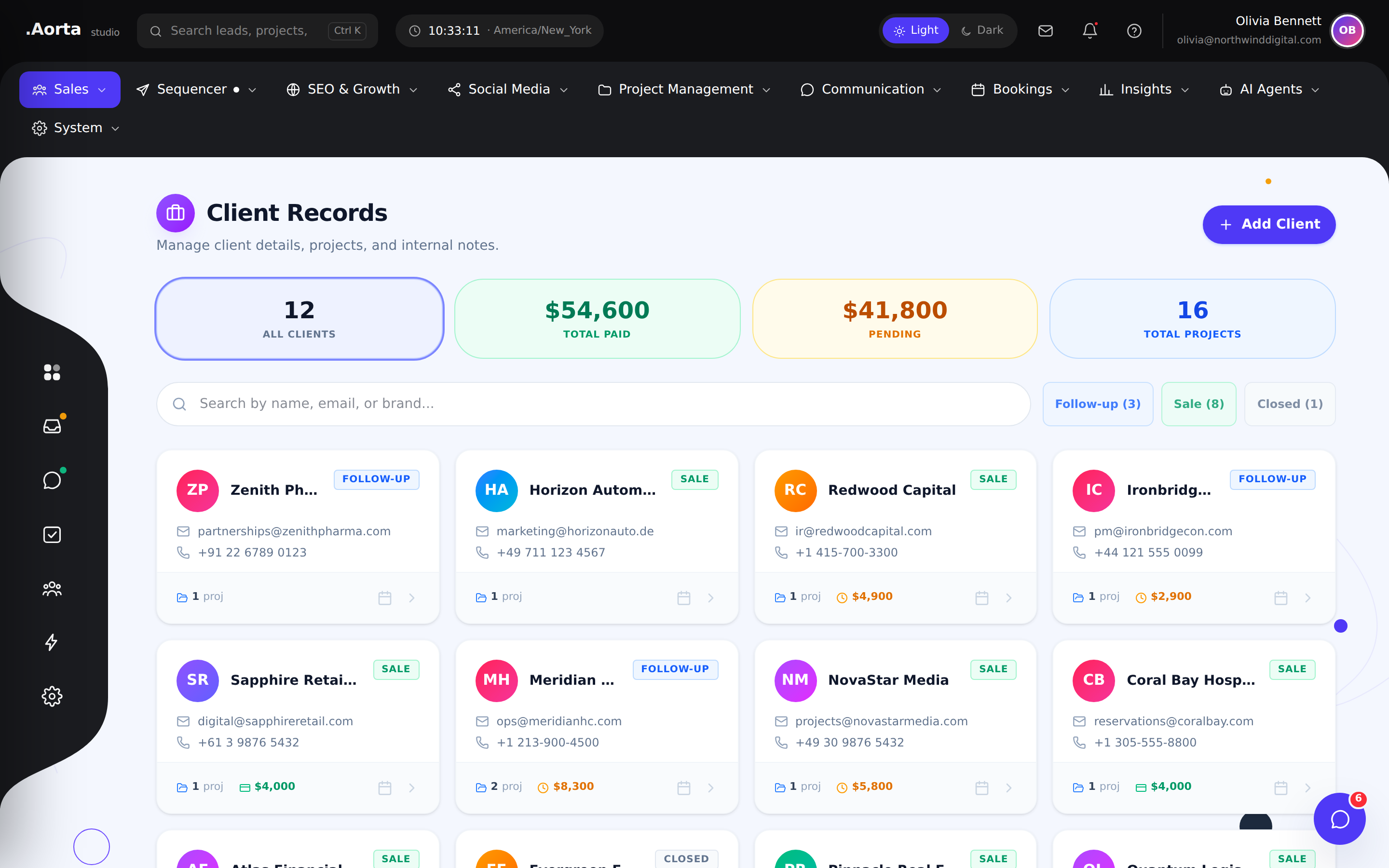
Explore the full feature ↗ Sales & CRMKeep your client directory connected to the people and work behind each account.
- Browse your client portfolio
- Find the right account quickly
- Open detailed client records
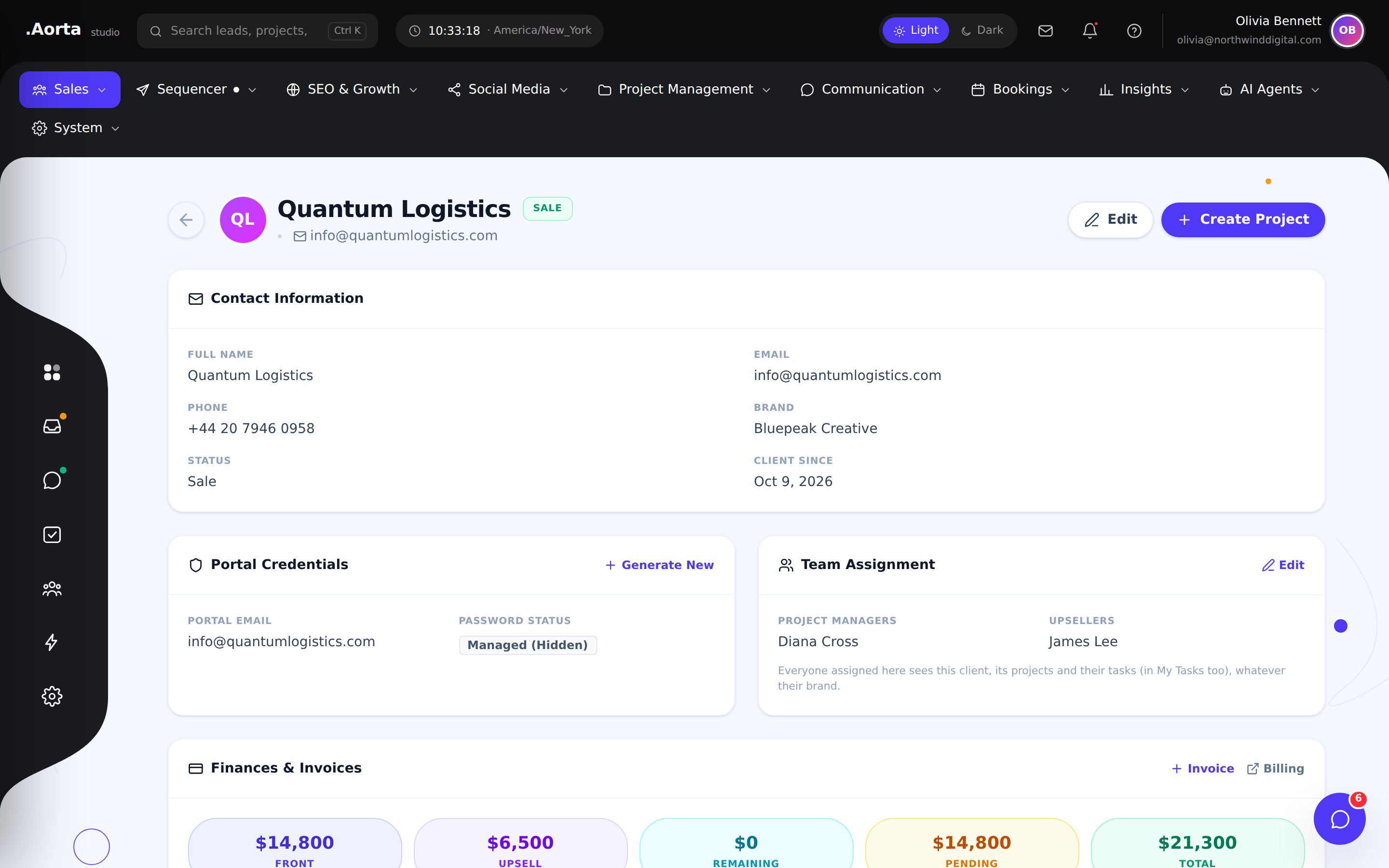
Explore the full feature ↗ Sales & CRMBring client information and account context together so sales and delivery can work from the same picture.
- Review account details
- Keep client context accessible
- Connect account conversations with delivery
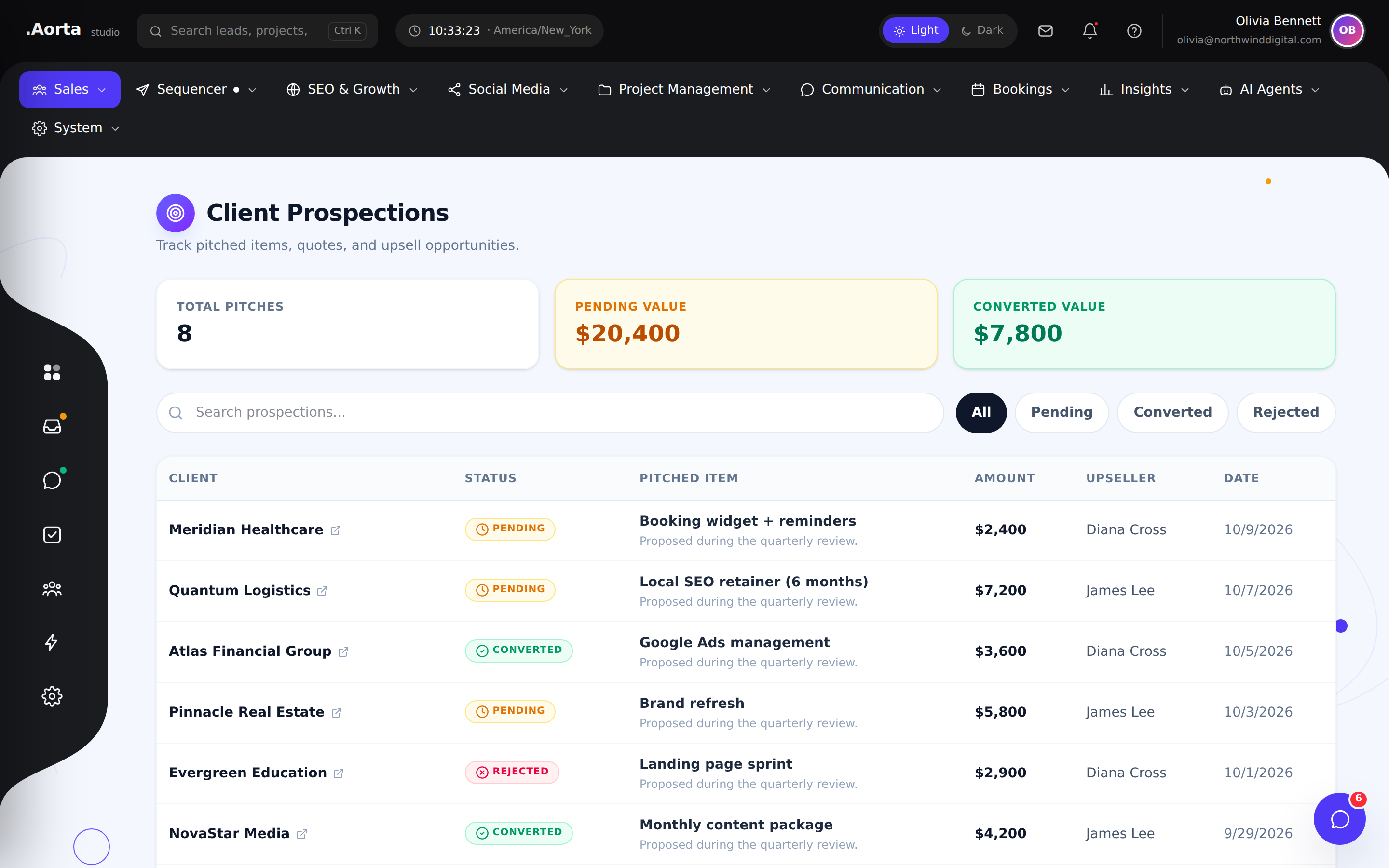
Explore the full feature ↗ Sales & CRMOrganize prospective opportunities before they enter your active pipeline.
- Review prospective accounts
- Keep research organized
- Prepare opportunities for your sales process
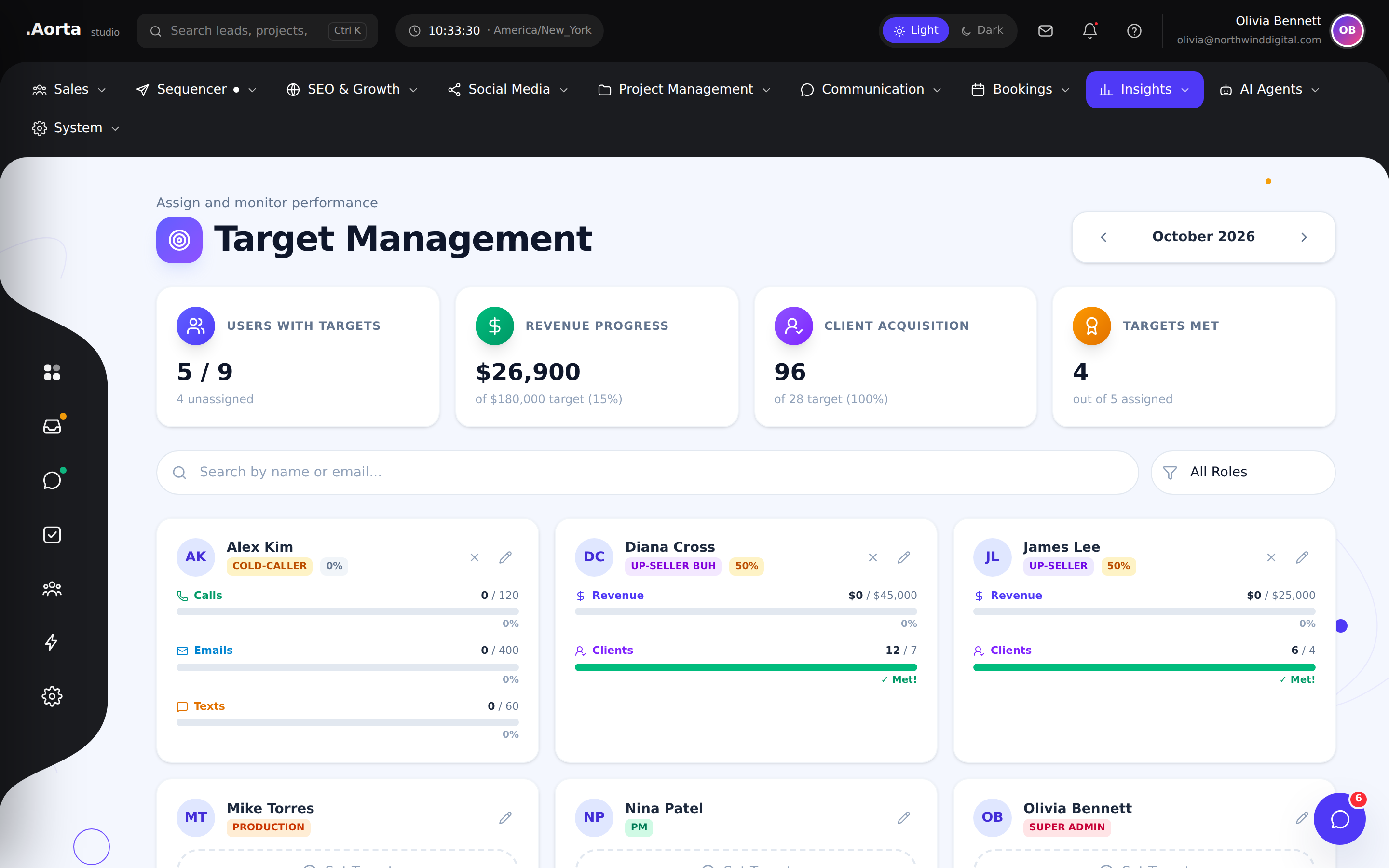
Explore the full feature ↗ Sales & CRMReview targets and progress in one place so day-to-day work stays connected to sales objectives.
- Review assigned sales targets
- Understand progress toward goals
- Prioritize the work that needs attention
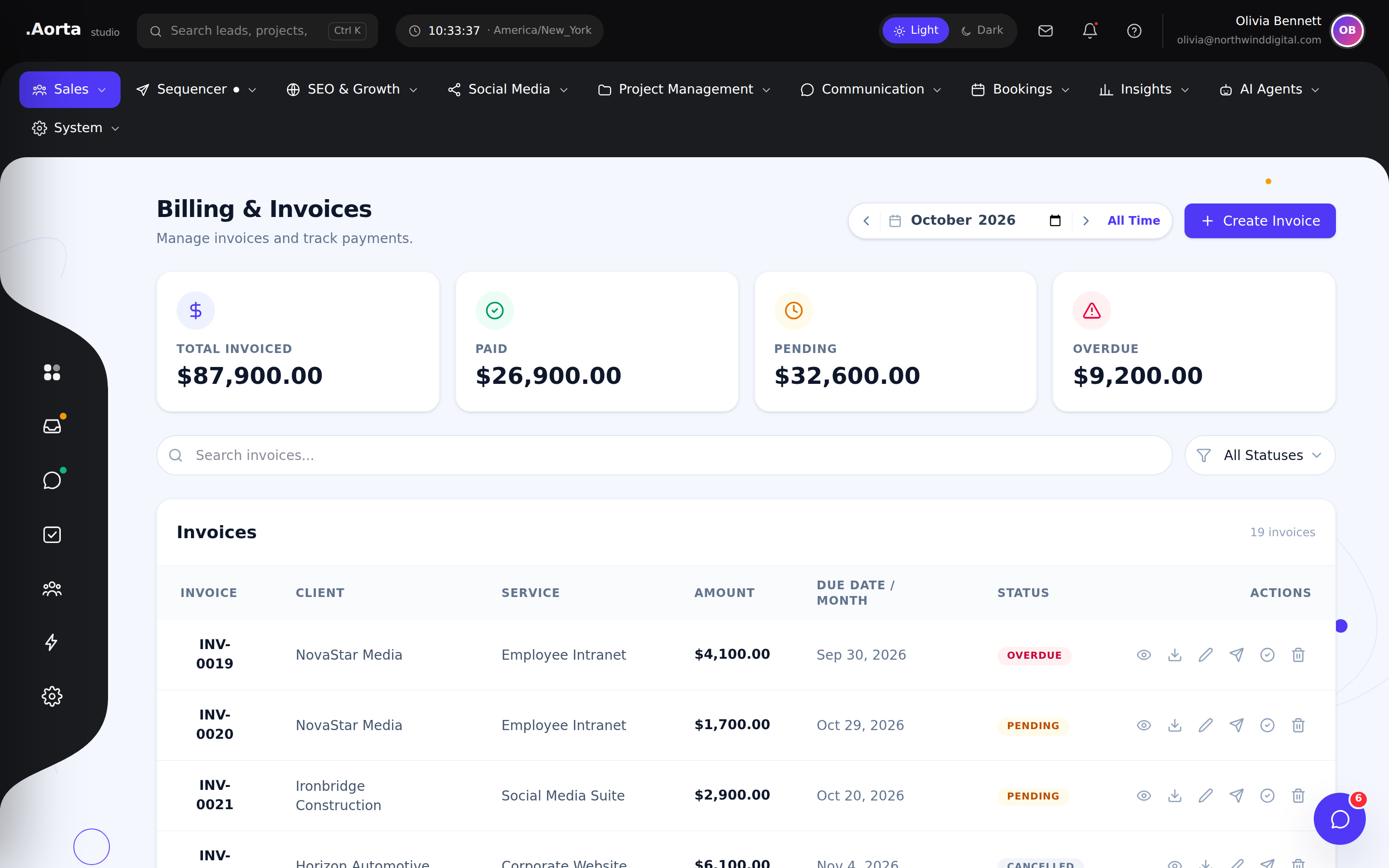
Explore the full feature ↗ Sales & CRMManage invoices and payment visibility alongside your client operations.
- Review invoice records
- Track payment status
- Keep financial context close to client work
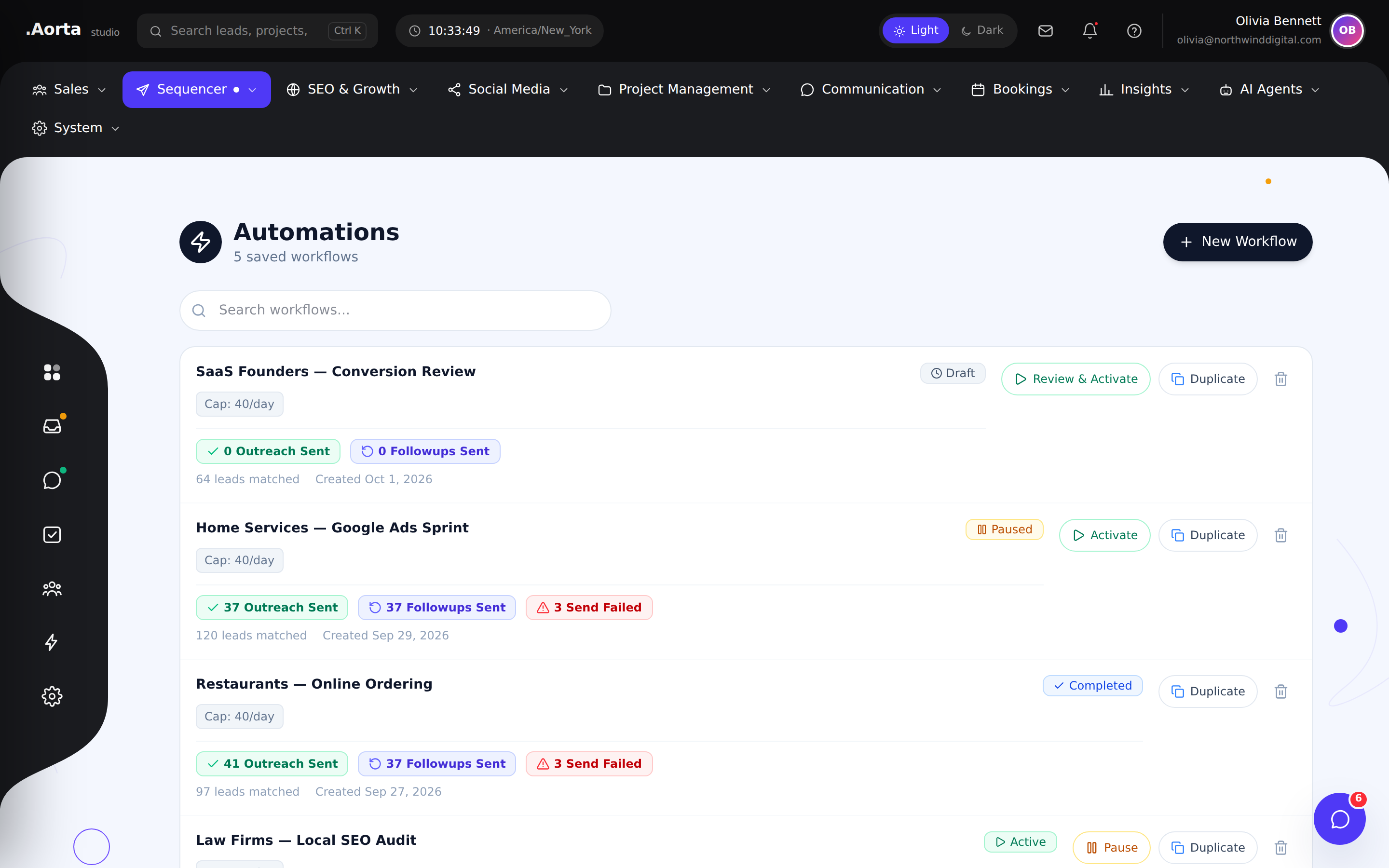
Explore the full feature ↗ Email outreachOrganize automated email sequences and see which campaigns are active, paused or ready for attention.
- Review campaign status
- Coordinate ongoing sequences
- Move into campaign details
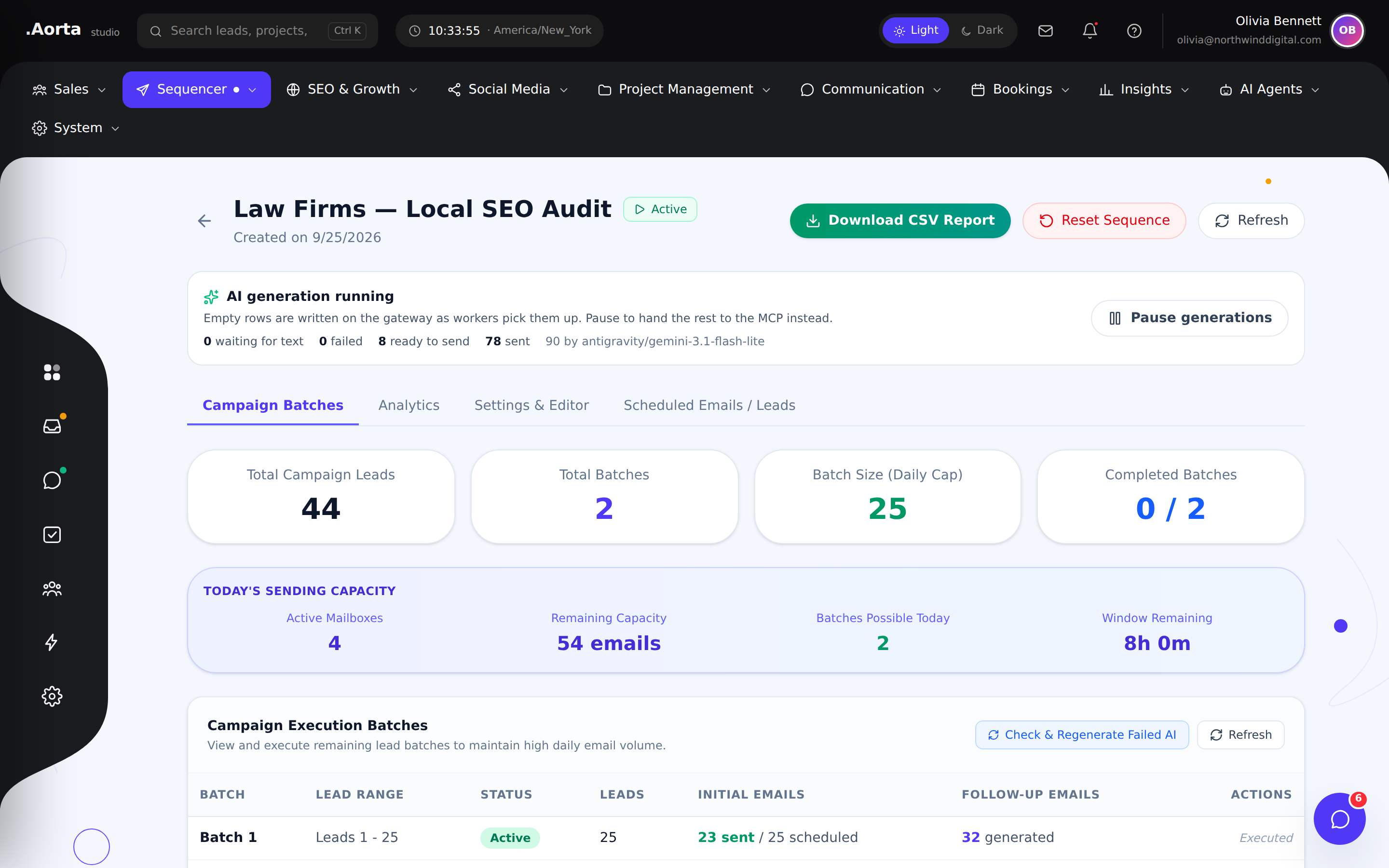
Explore the full feature ↗ Email outreachReview campaign batches, generation progress and sending capacity from a dedicated campaign workspace.
- Inspect lead batches and daily caps
- Review sent and scheduled emails
- Monitor generation and campaign progress
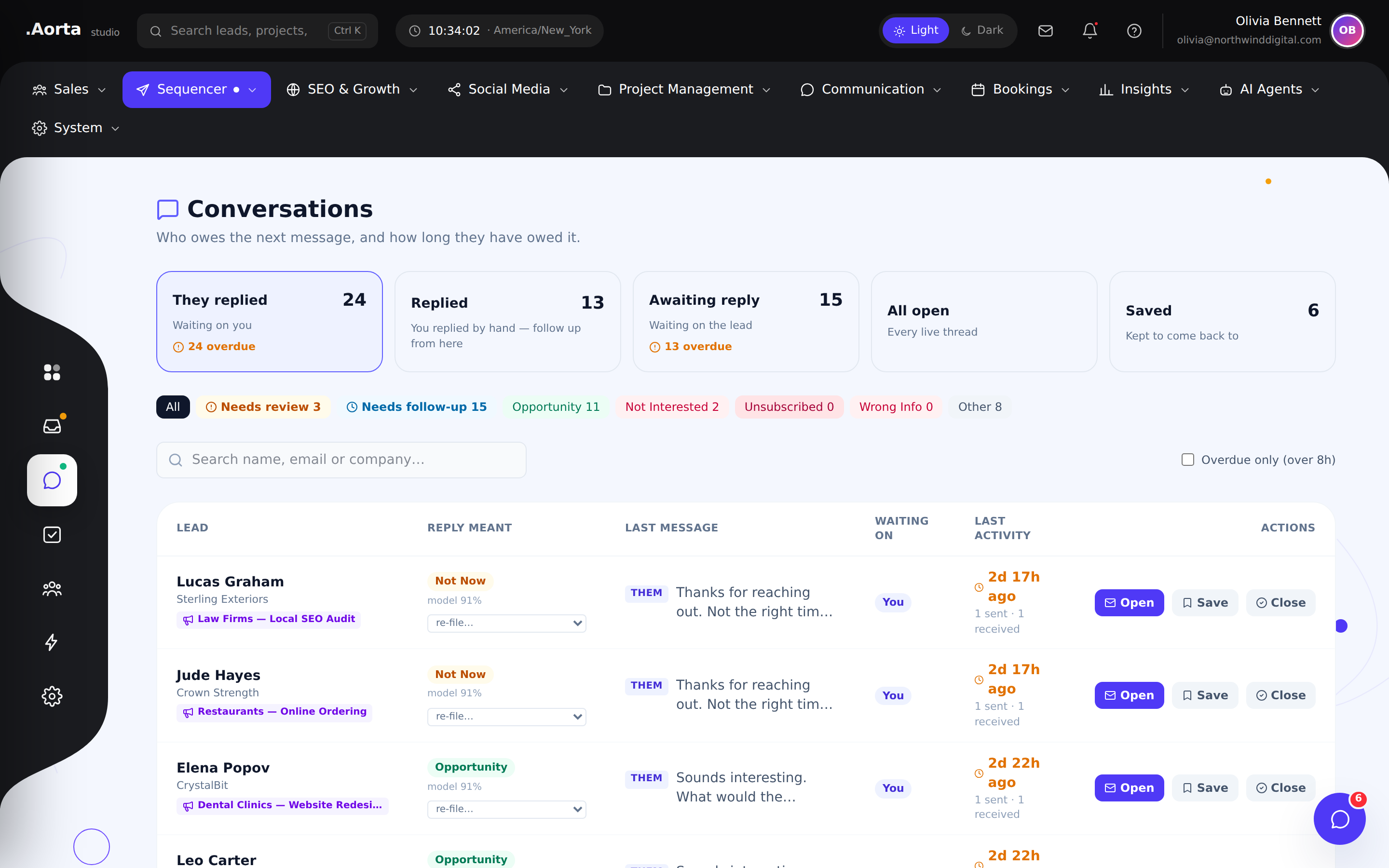
Explore the full feature ↗ Email outreachReview outreach conversations with the context of the sequence that started them.
- Browse campaign replies
- Follow the conversation history
- Identify conversations needing attention
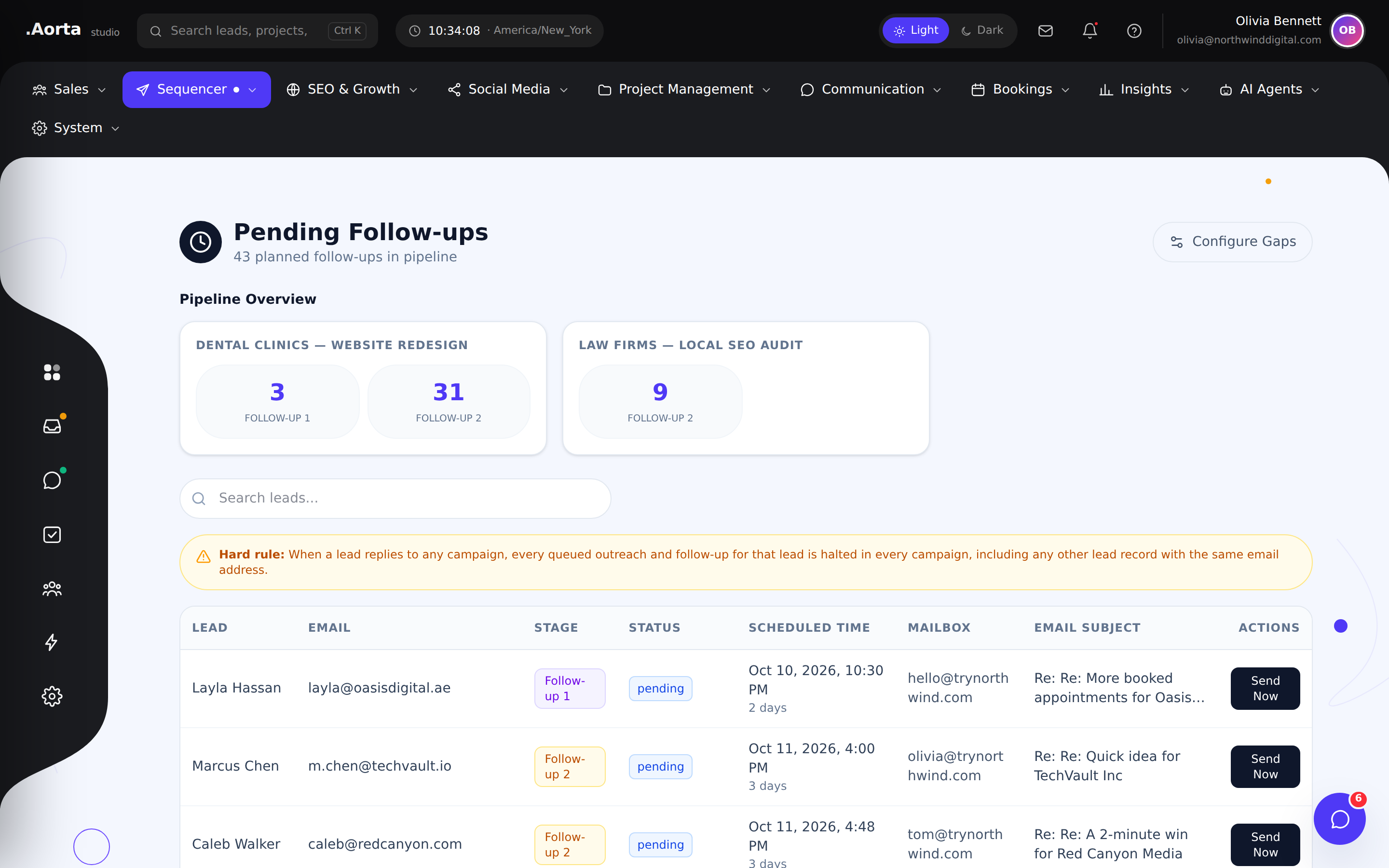
Explore the full feature ↗ Email outreachKeep follow-up activity connected to your outreach campaigns and scheduled sends.
- Review sequence follow-ups
- Track pending outreach activity
- Keep campaign context in view
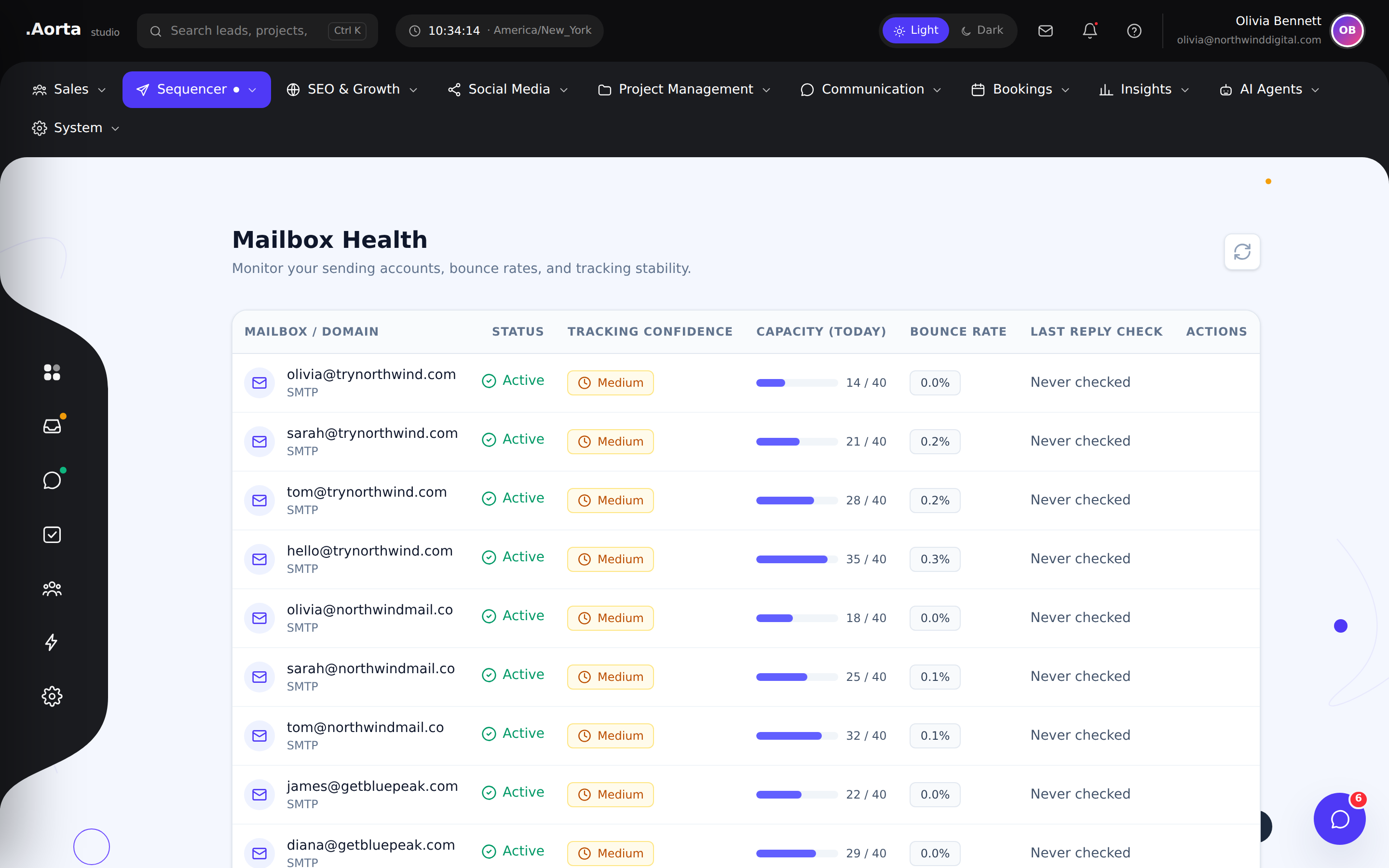
Explore the full feature ↗ Email outreachReview mailbox status before scaling your outreach workload.
- Inspect connected mailbox health
- Spot accounts that need attention
- Plan sending around account readiness
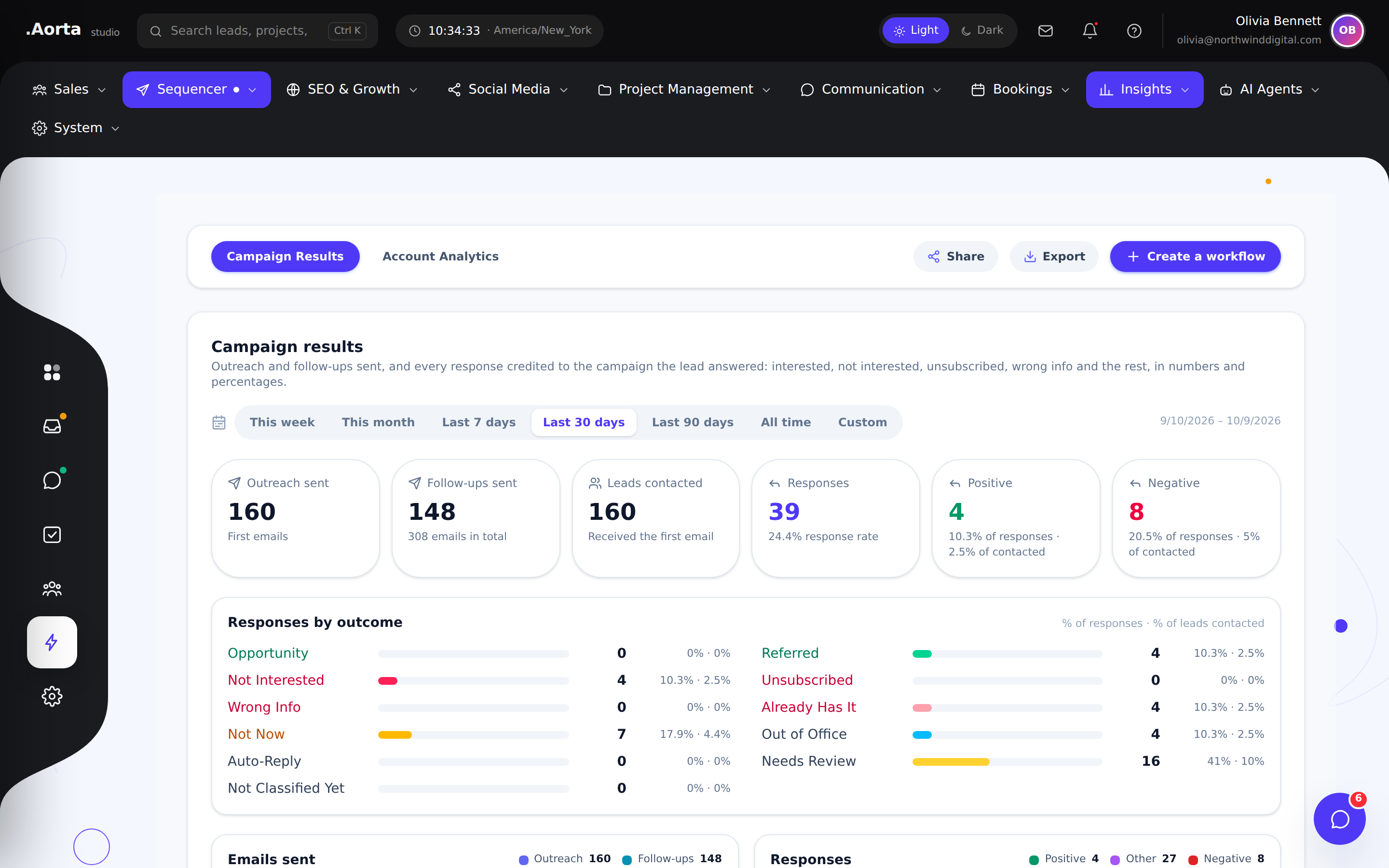
Explore the full feature ↗ Email outreachBring campaign performance into focus so your next decision is grounded in activity.
- Review campaign-level results
- Compare sending and engagement activity
- Identify where to refine your approach
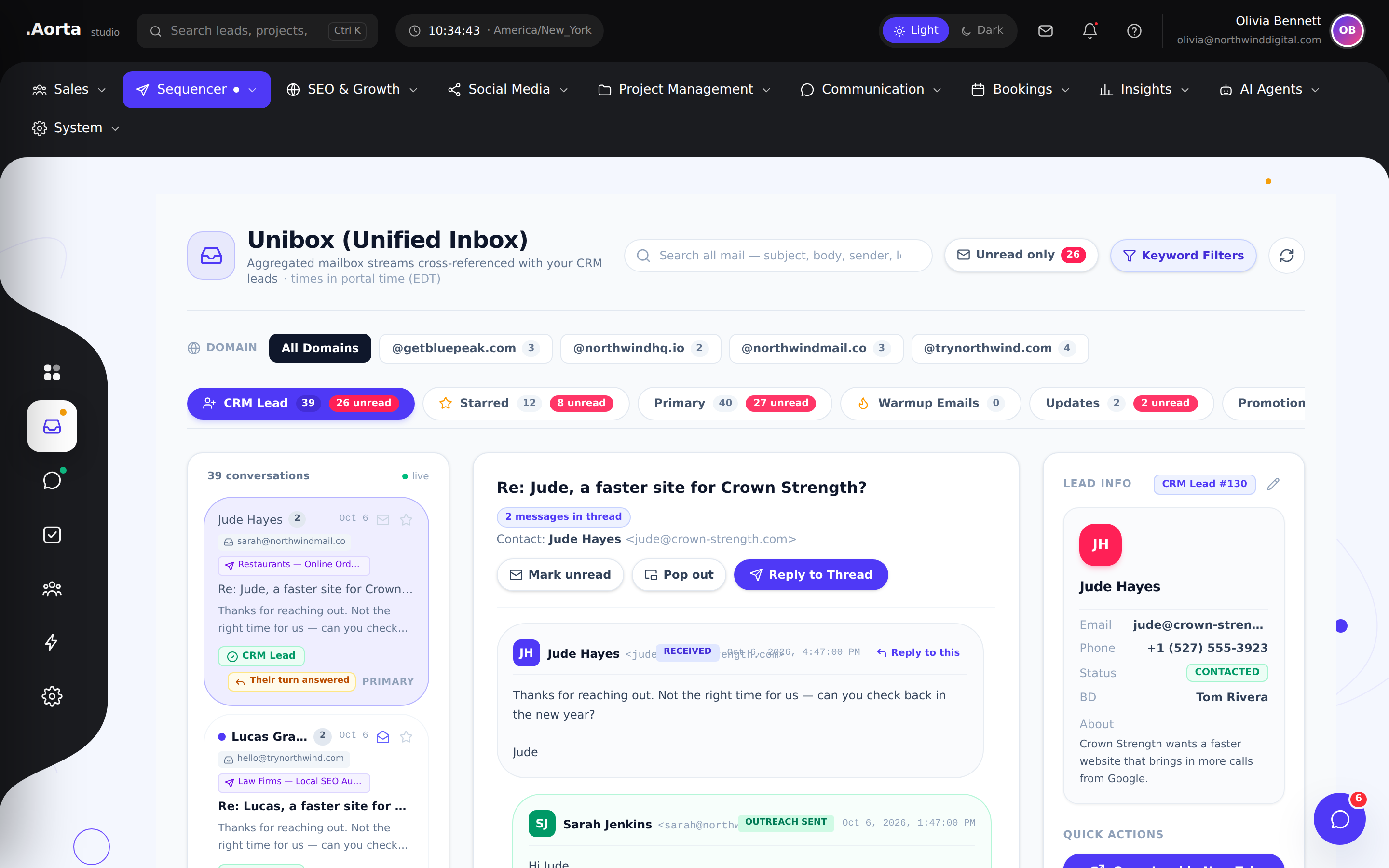
Explore the full feature ↗ CommunicationBring mailbox conversations together so replies stay visible across connected accounts.
- Review a unified conversation stream
- Move between connected mailbox contexts
- Find replies that need your attention
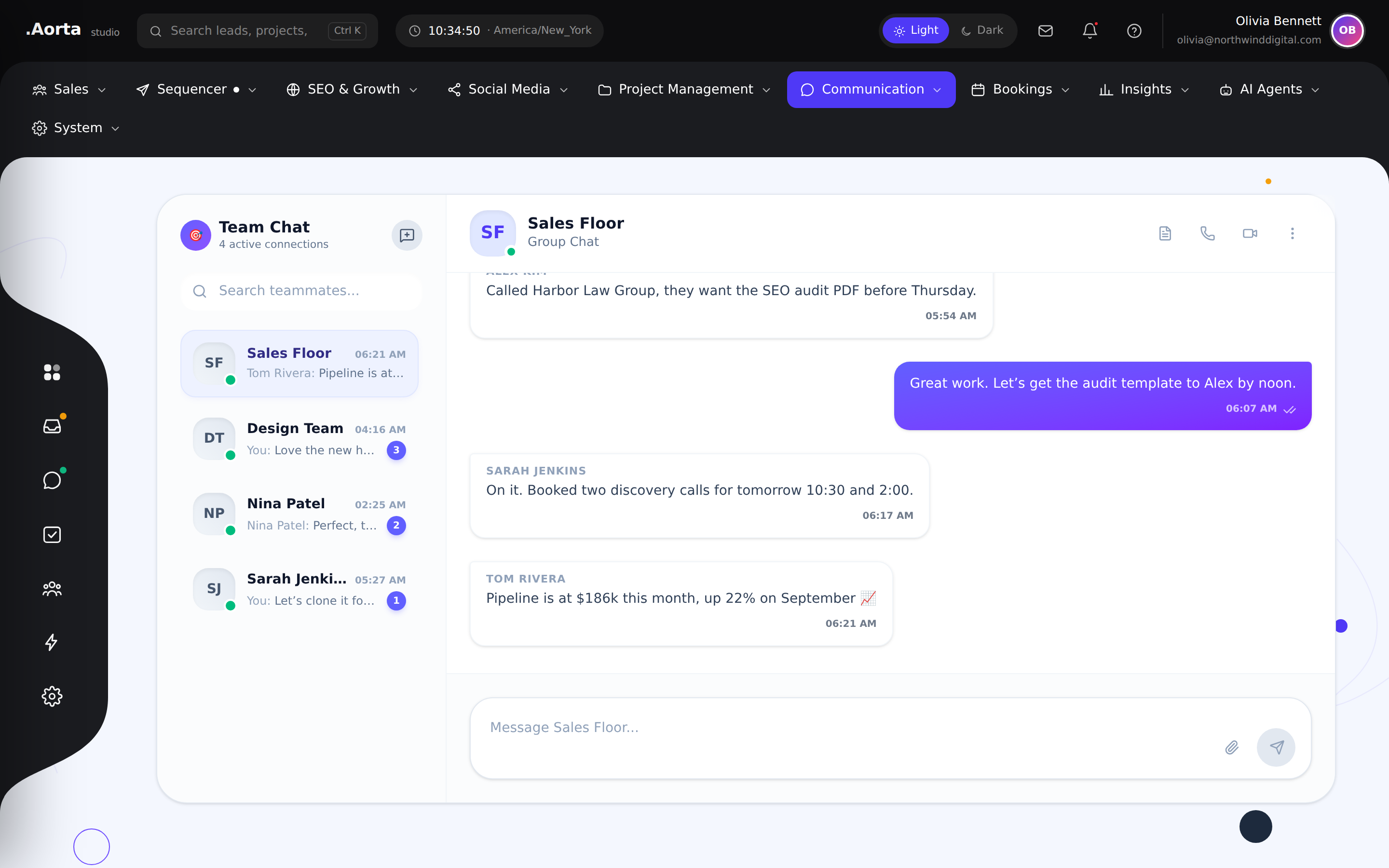
Explore the full feature ↗ CommunicationCoordinate with teammates inside the same platform you use to manage sales and delivery.
- Keep internal conversations together
- Coordinate around active work
- Reduce the gap between discussion and action
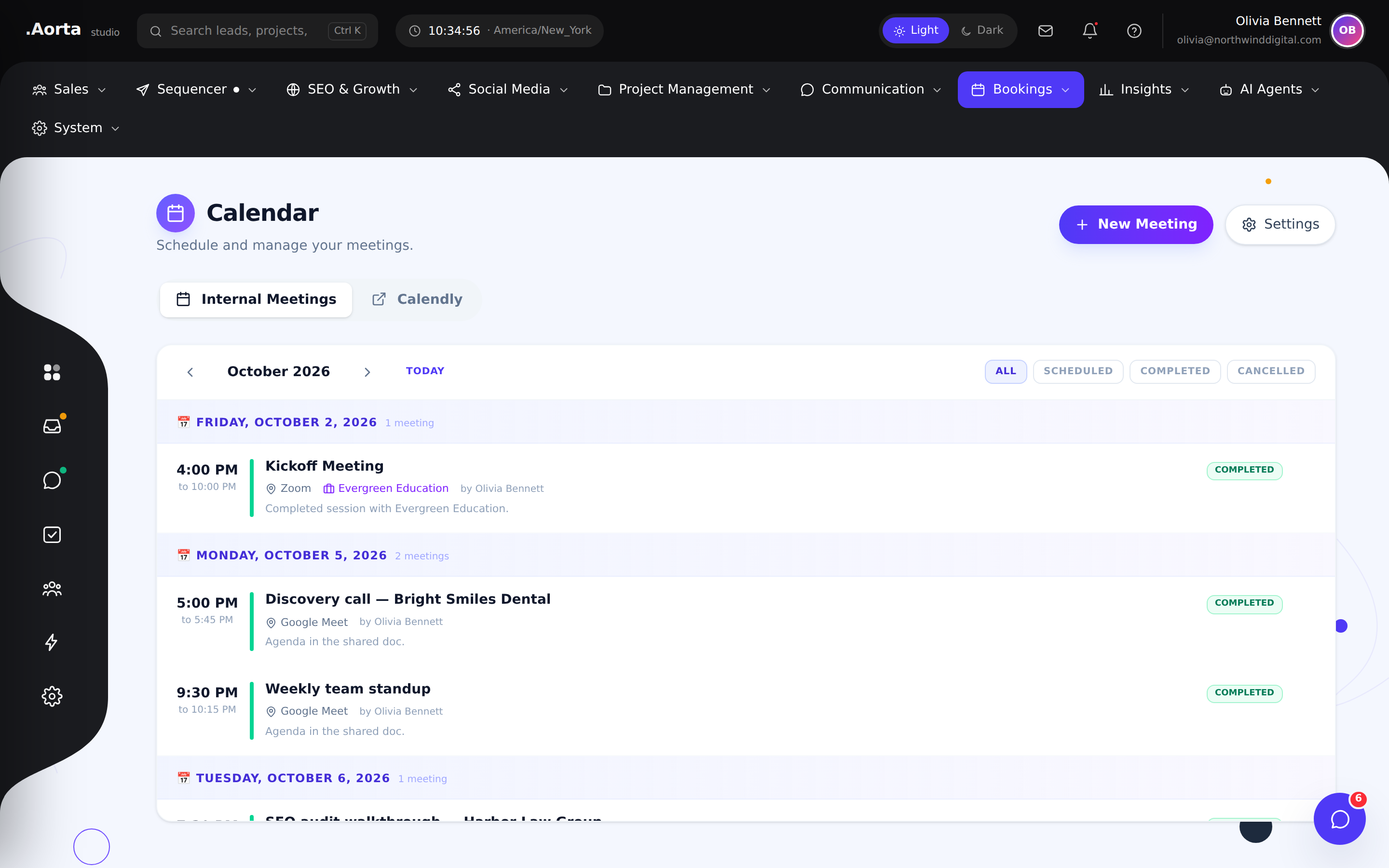
Explore the full feature ↗ CommunicationReview your schedule alongside the sales and operational work that surrounds it.
- View upcoming meetings
- Organize your working calendar
- Prepare for client and prospect conversations
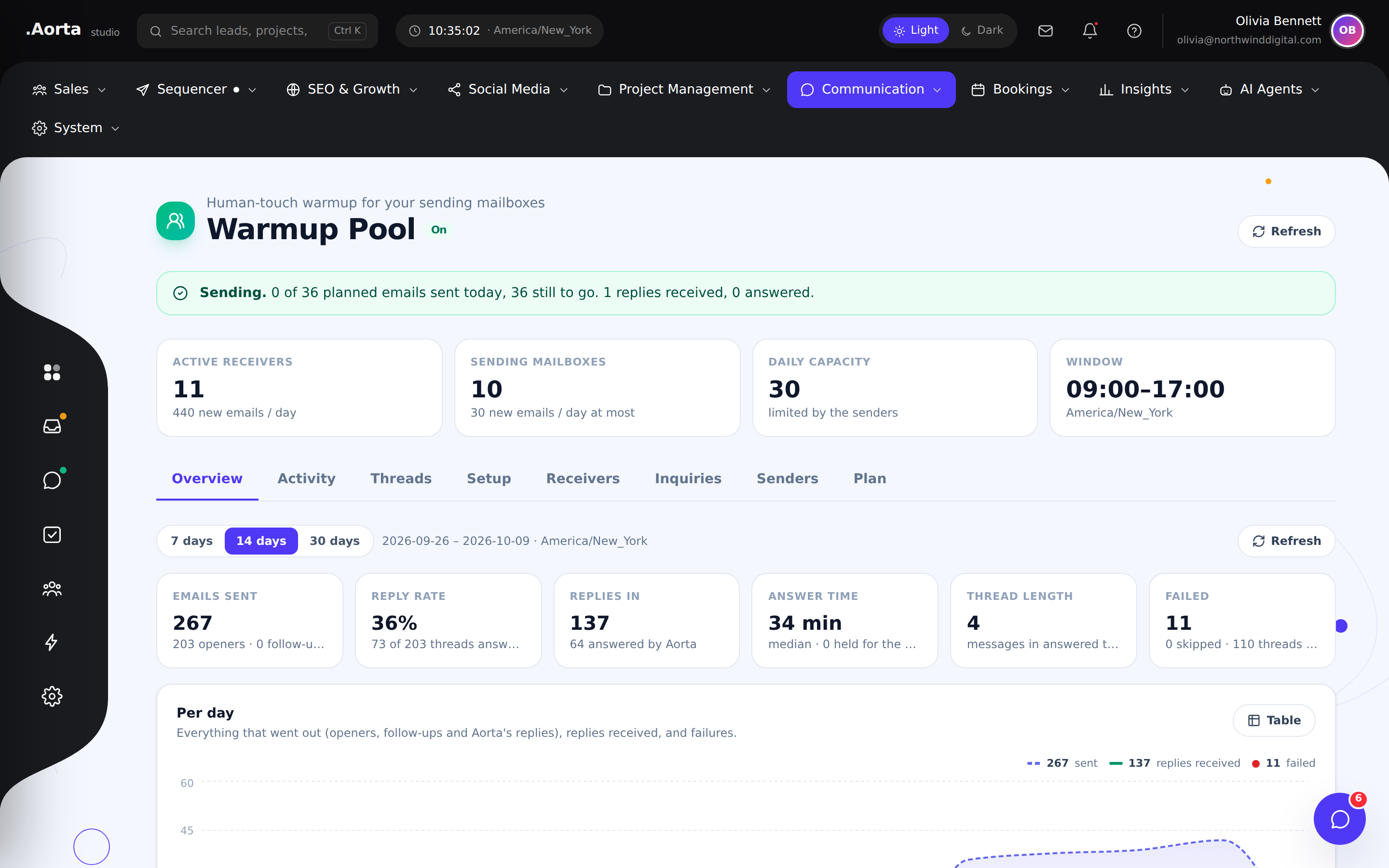
Explore the full feature ↗ Email warmupReview the warmup pool before planning your next outreach push.
- Inspect pool-level status
- Review warmup participation
- Identify mailboxes needing attention
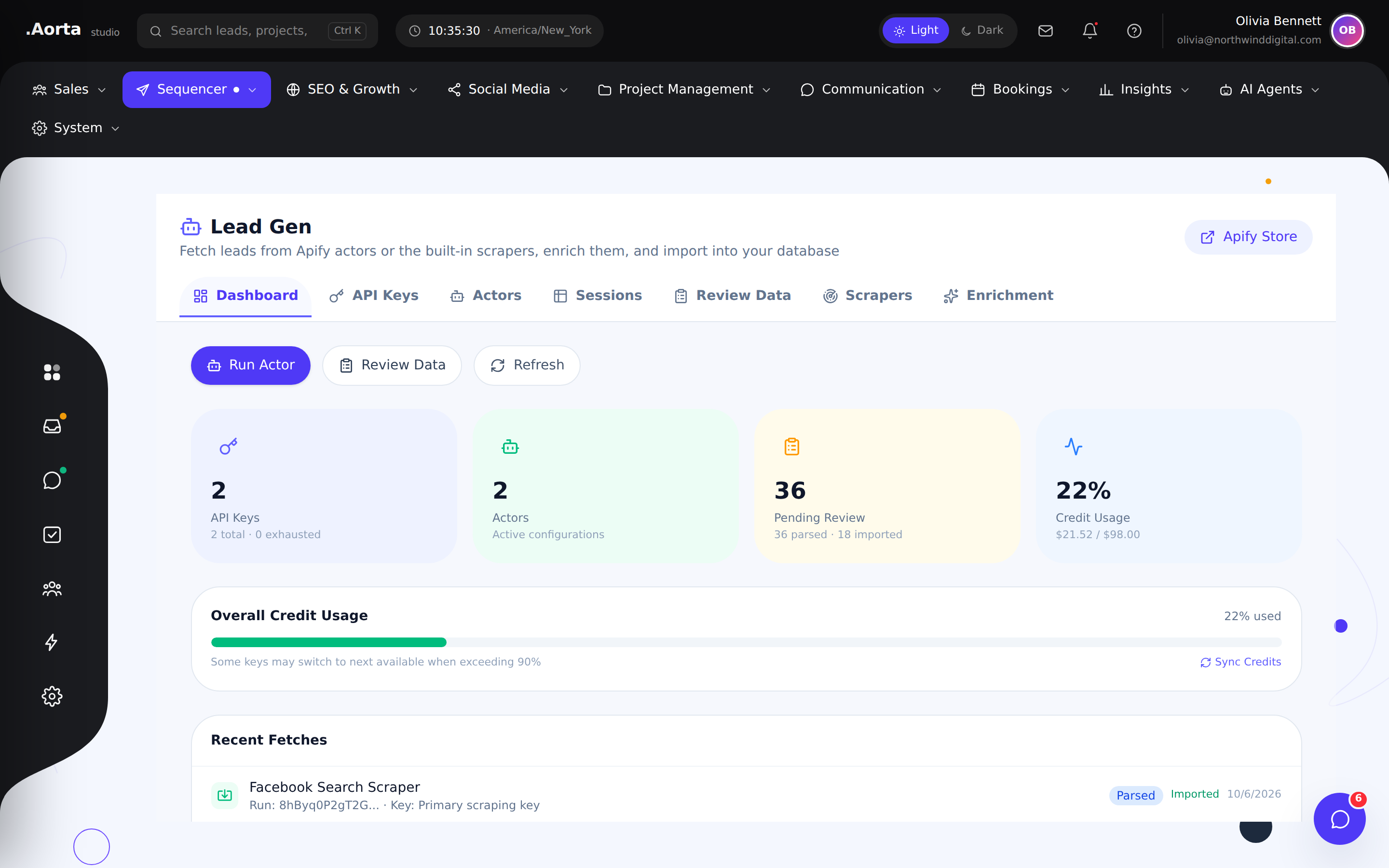
Explore the full feature ↗ Lead generationBring prospect discovery into the same workspace as your outreach and CRM.
- Organize lead discovery
- Prepare prospects for review
- Connect discovery with the sales workflow
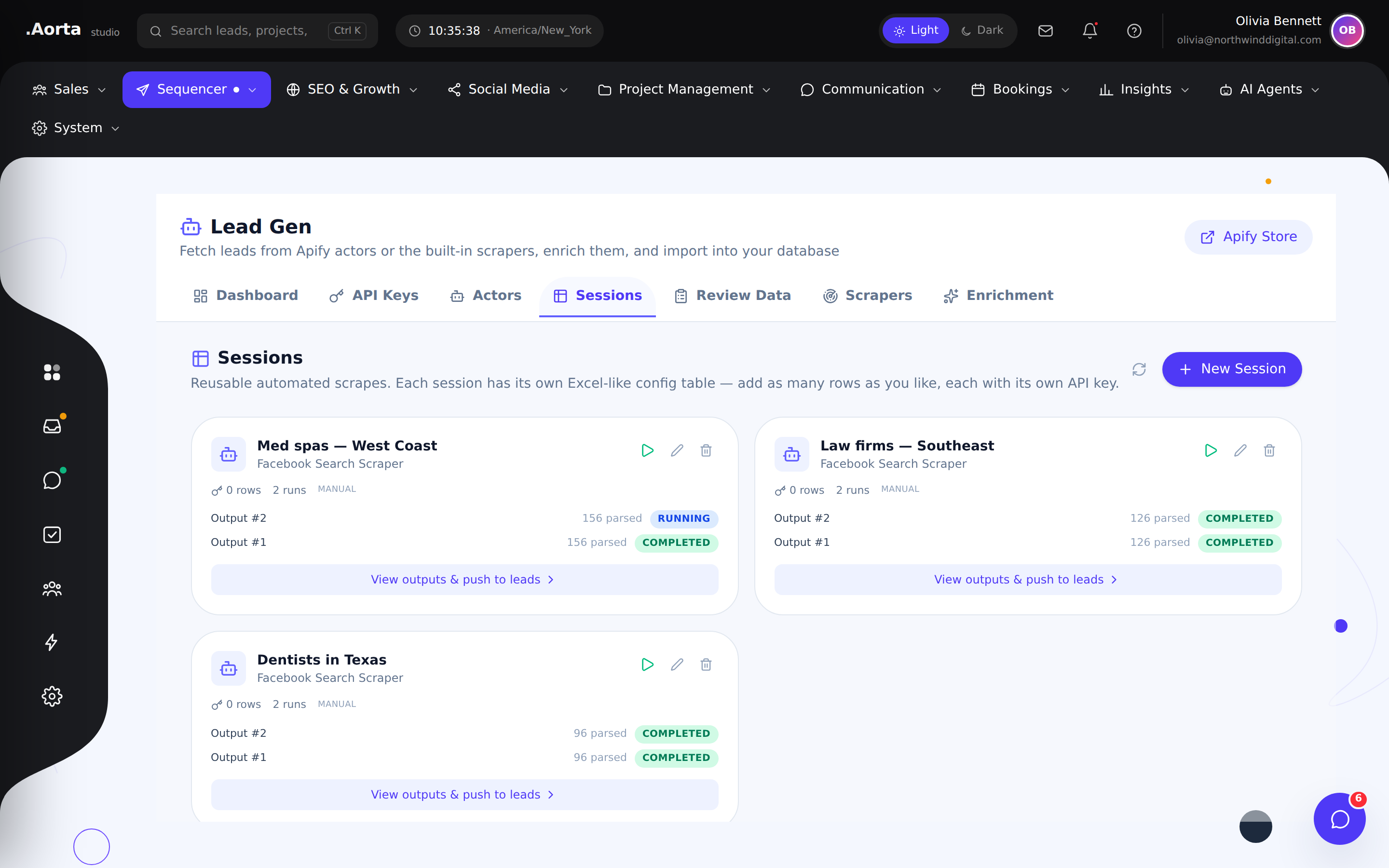
Explore the full feature ↗ Lead generationReview lead discovery sessions and return to previous research without starting again.
- Browse discovery sessions
- Review session progress
- Return to research results
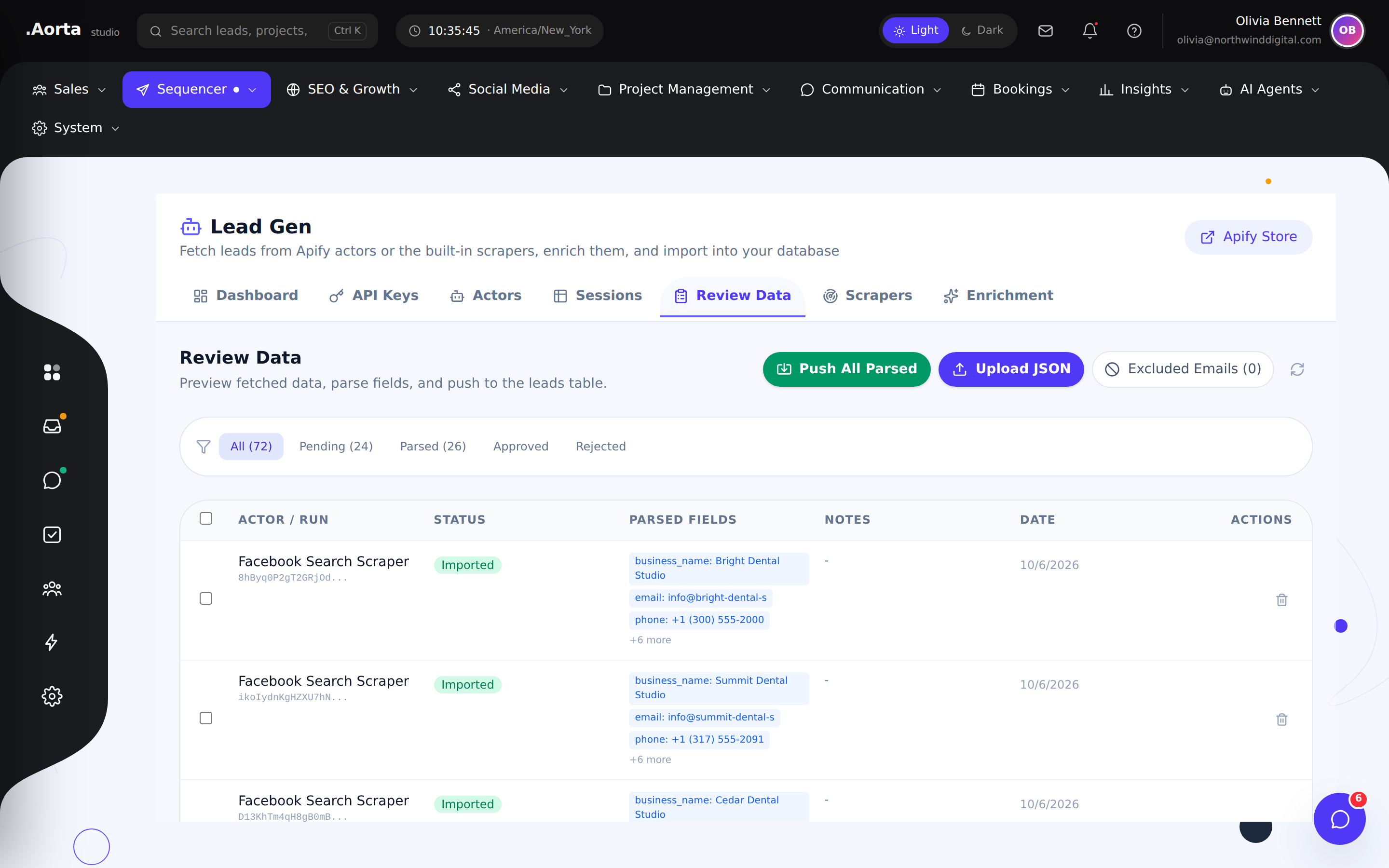
Explore the full feature ↗ Lead generationAssess discovered prospects before bringing them into your sales process.
- Inspect discovered leads
- Review prospect details
- Prepare suitable contacts for outreach
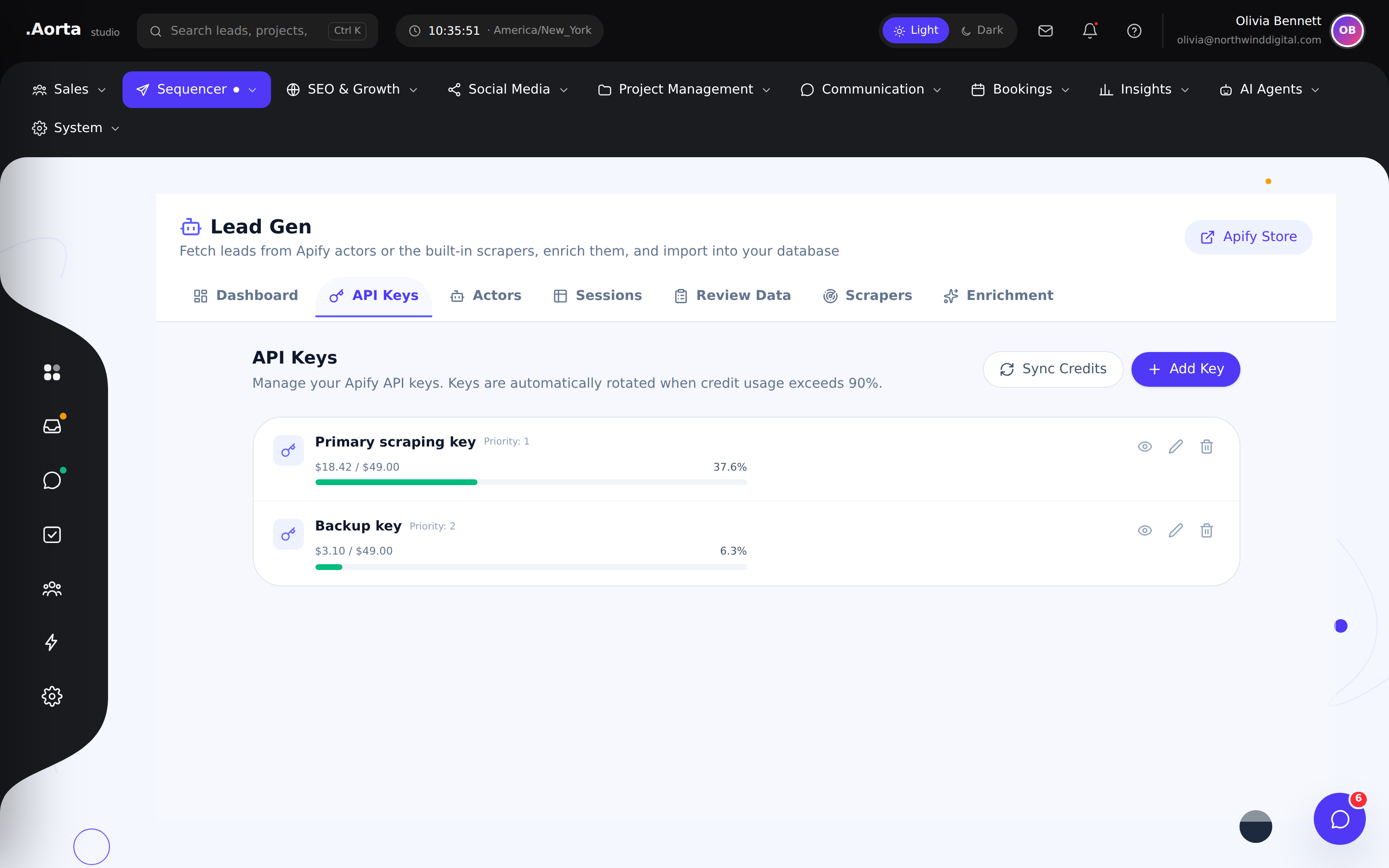
Explore the full feature ↗ Lead generationManage the provider connections used by your lead generation workflow.
- Review provider connections
- Manage your own API credentials
- Keep discovery setup organized
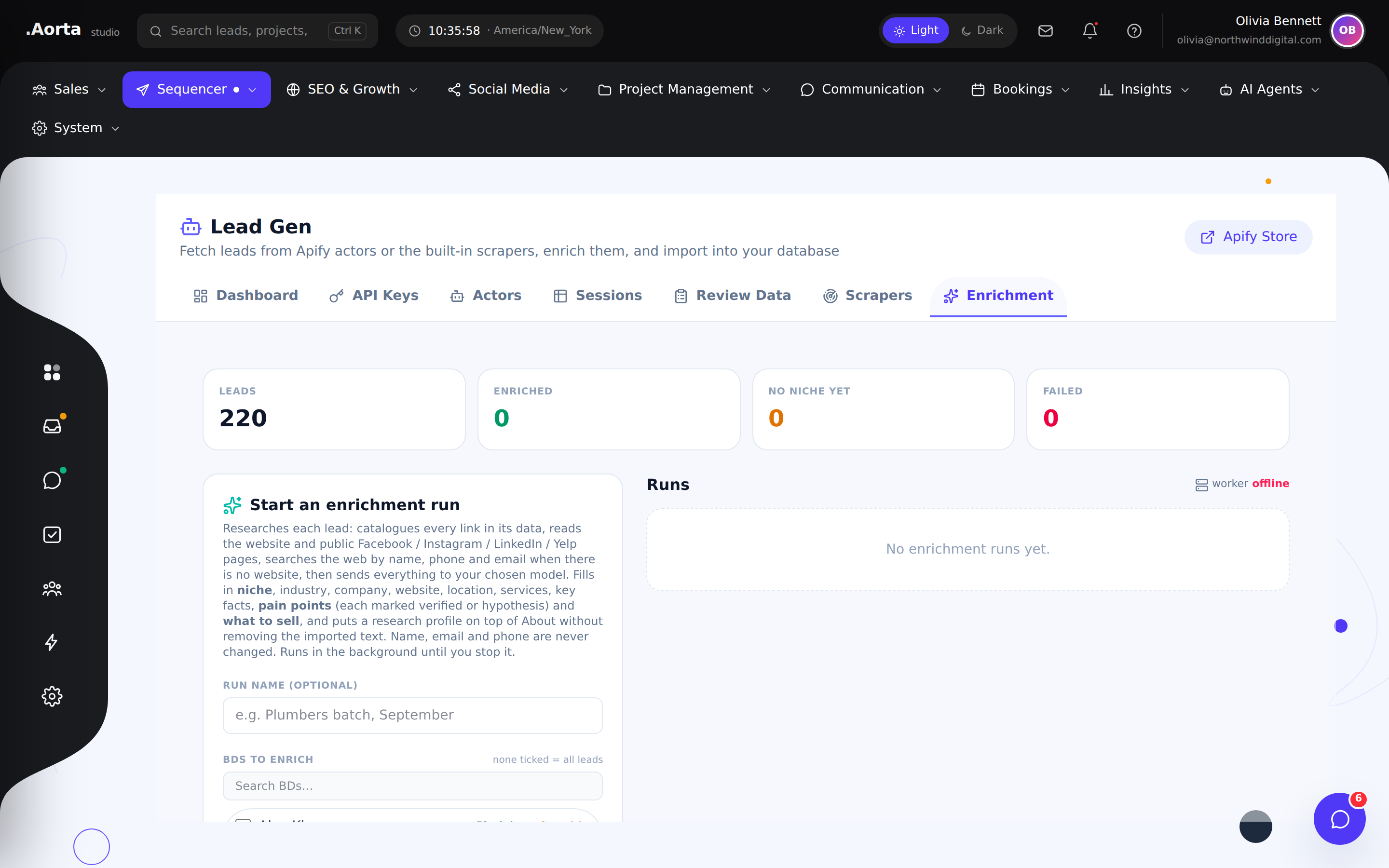
Explore the full feature ↗ Lead generationReview and enrich prospect information so outreach starts with a more complete picture.
- Expand lead context
- Review enriched information
- Prepare better-informed outreach
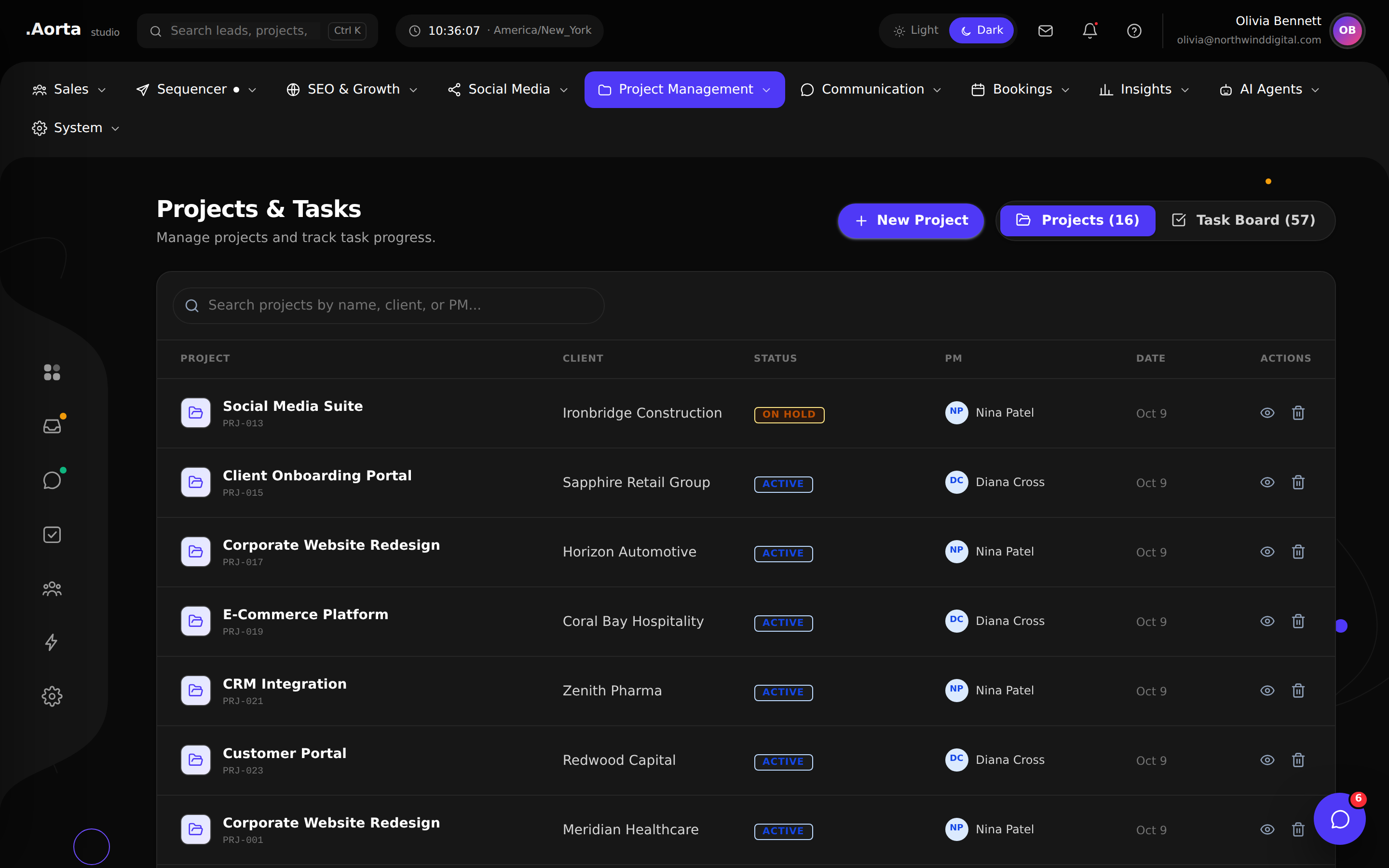
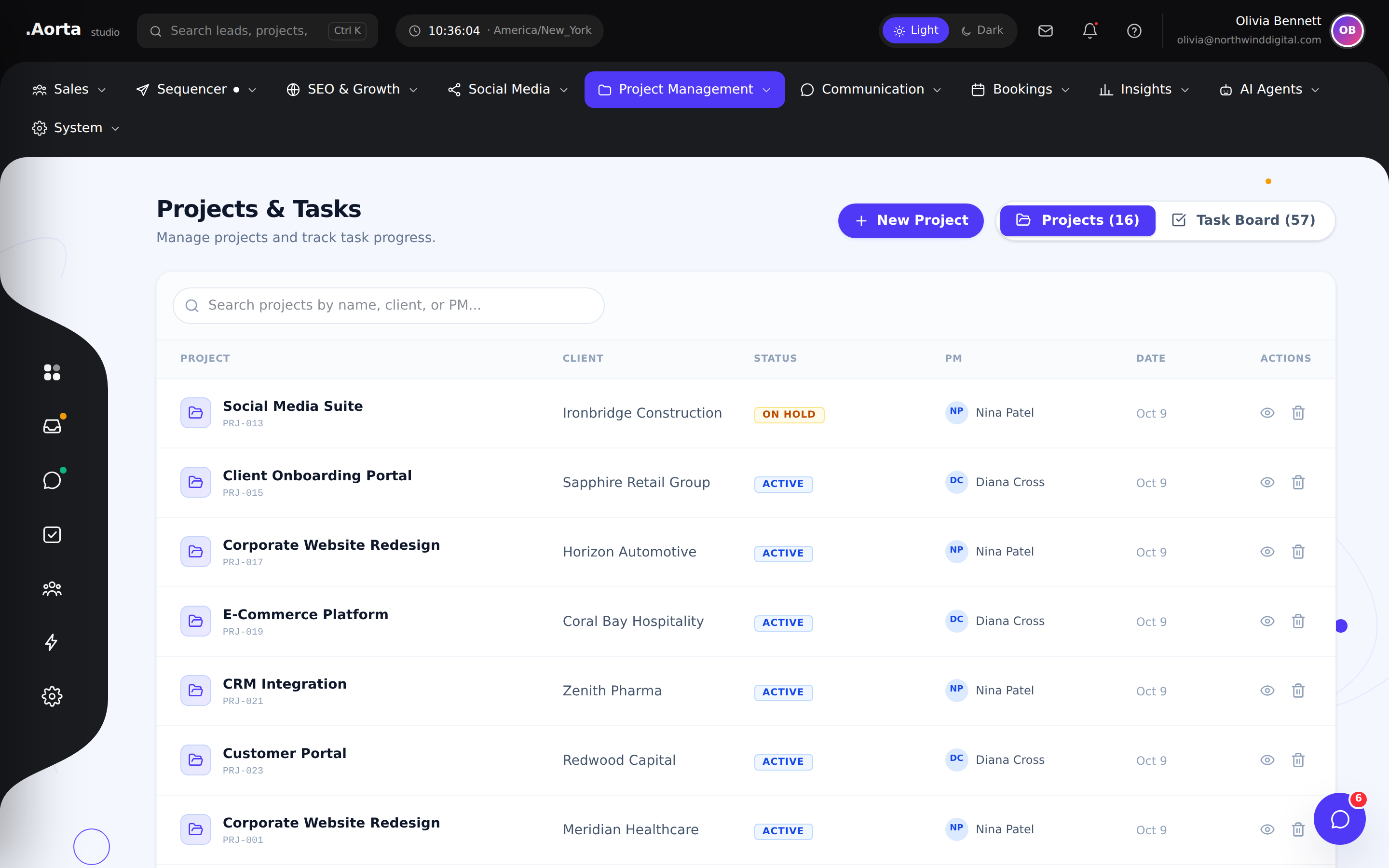
Explore the full feature ↗ Projects & deliveryKeep client delivery visible with a shared view of projects and their progress.
- Browse active client projects
- Review project status
- Open the work behind each account
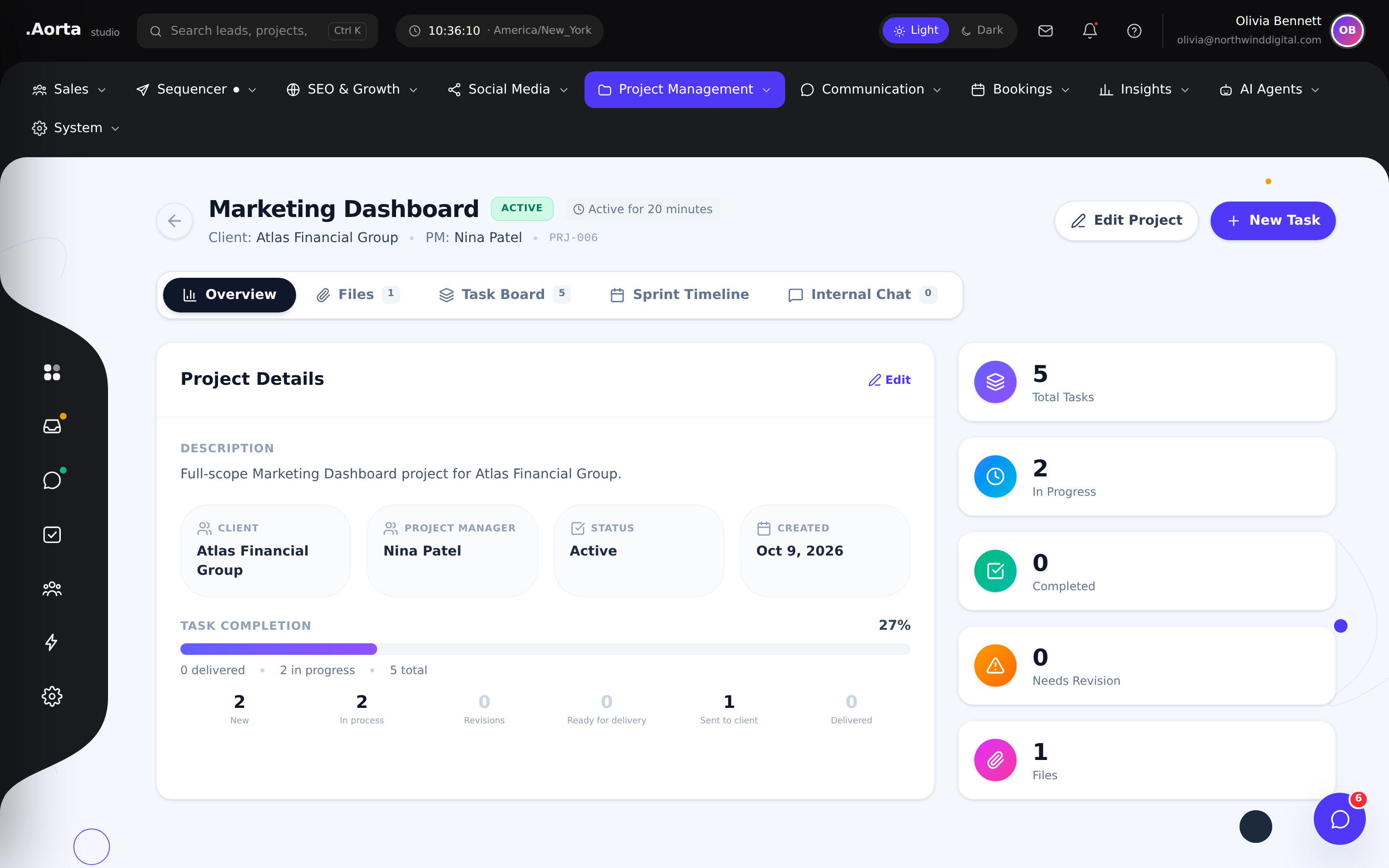
Explore the full feature ↗ Projects & deliveryBring project detail, responsibilities and delivery context into one workspace.
- Review the project scope
- Coordinate project activity
- Keep delivery context together
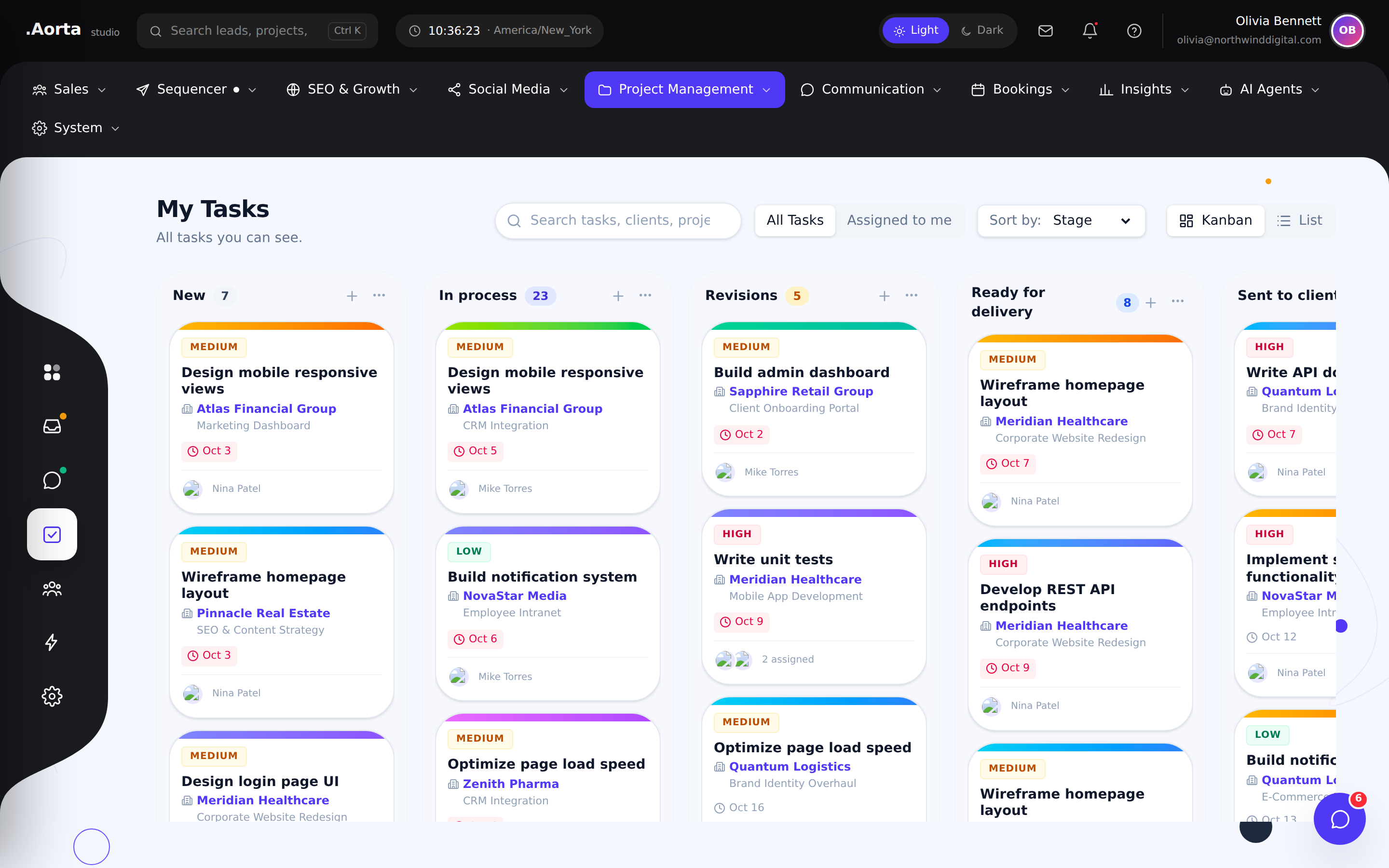
Explore the full feature ↗ Projects & deliveryOrganize the work your team needs to complete with task status and responsibility in view.
- Review team tasks
- Coordinate priorities and ownership
- Track work through completion
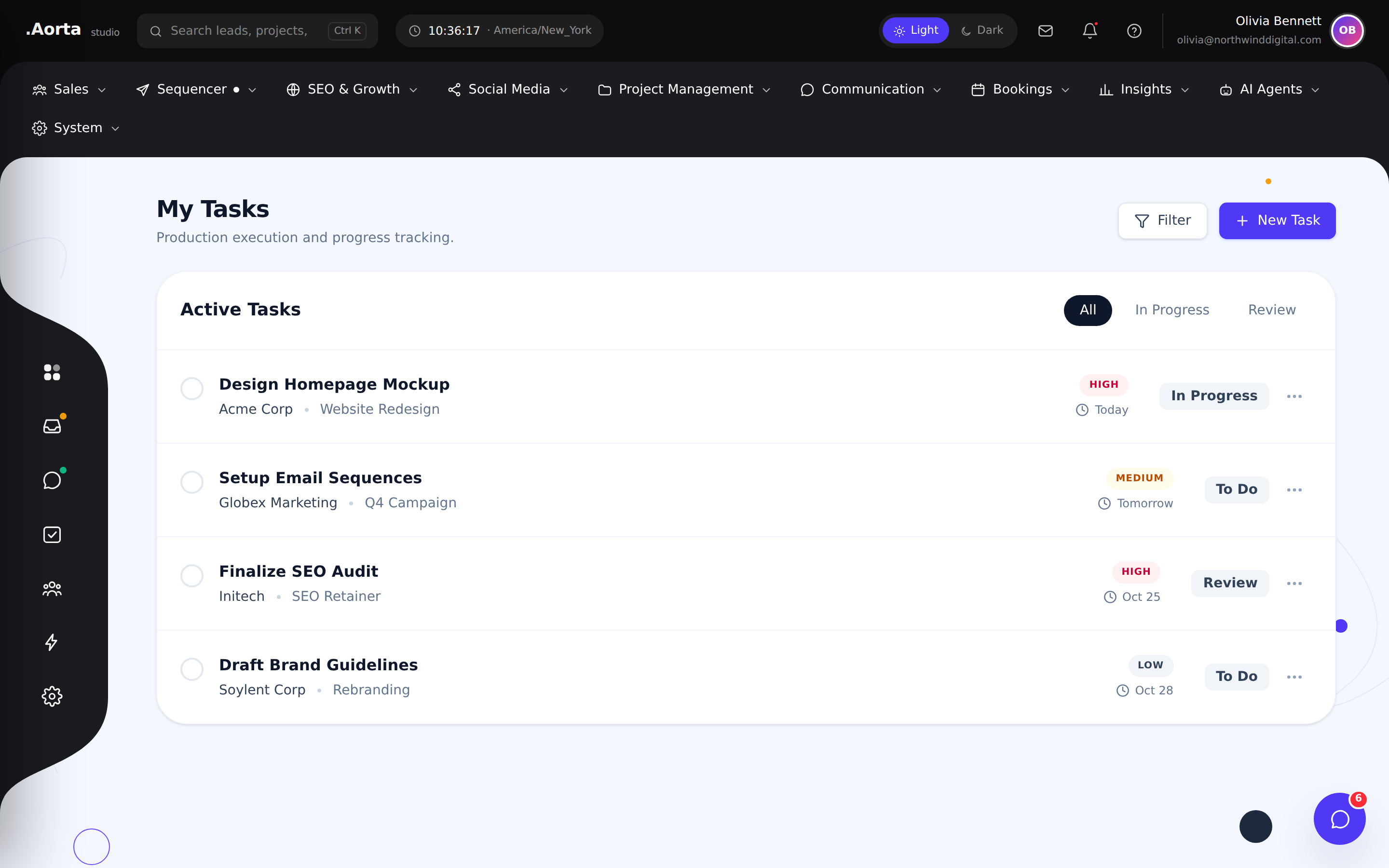
Explore the full feature ↗ Projects & deliveryGive each teammate a focused view of their own work without losing the wider project context.
- Review your assigned work
- Plan your next actions
- Stay connected to project priorities
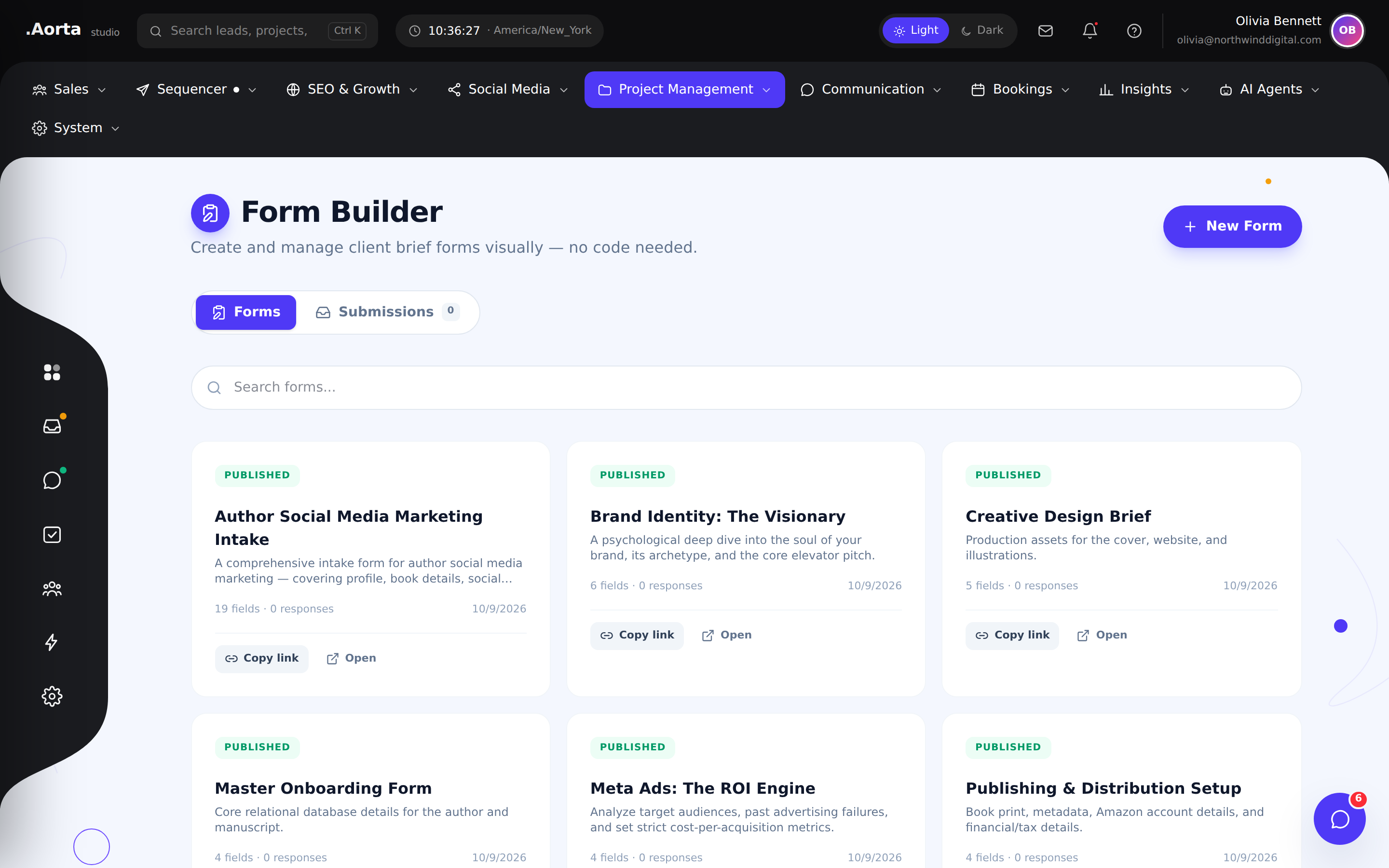
Explore the full feature ↗ Projects & deliveryBuild forms for client briefs and structured information gathering inside your workflow.
- Create structured forms
- Collect client requirements
- Bring submissions into your delivery process
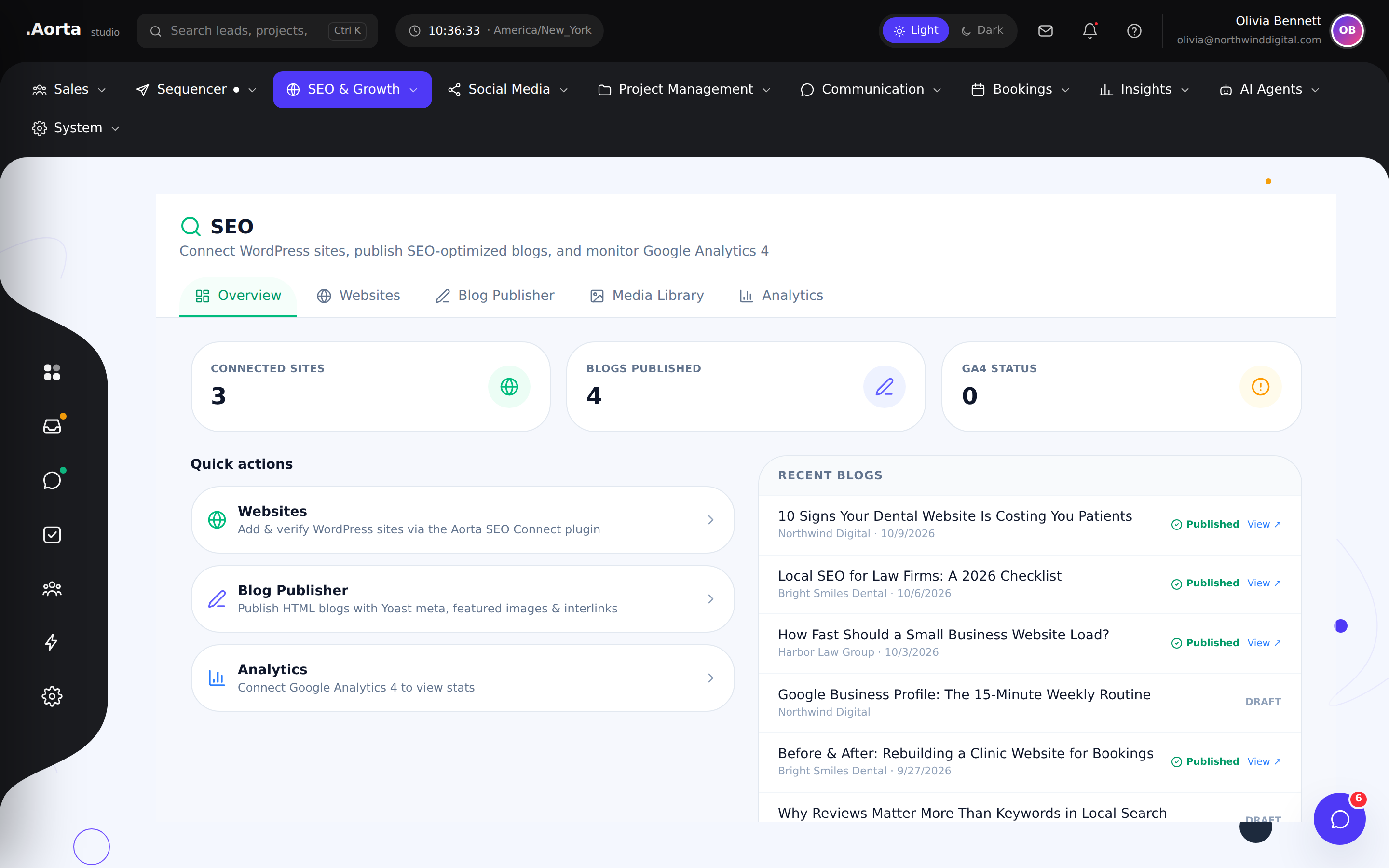
Explore the full feature ↗ SEO & contentReview SEO activity in a dedicated workspace alongside your broader agency operations.
- Review SEO work at a glance
- Navigate to connected websites
- Coordinate content and growth activity
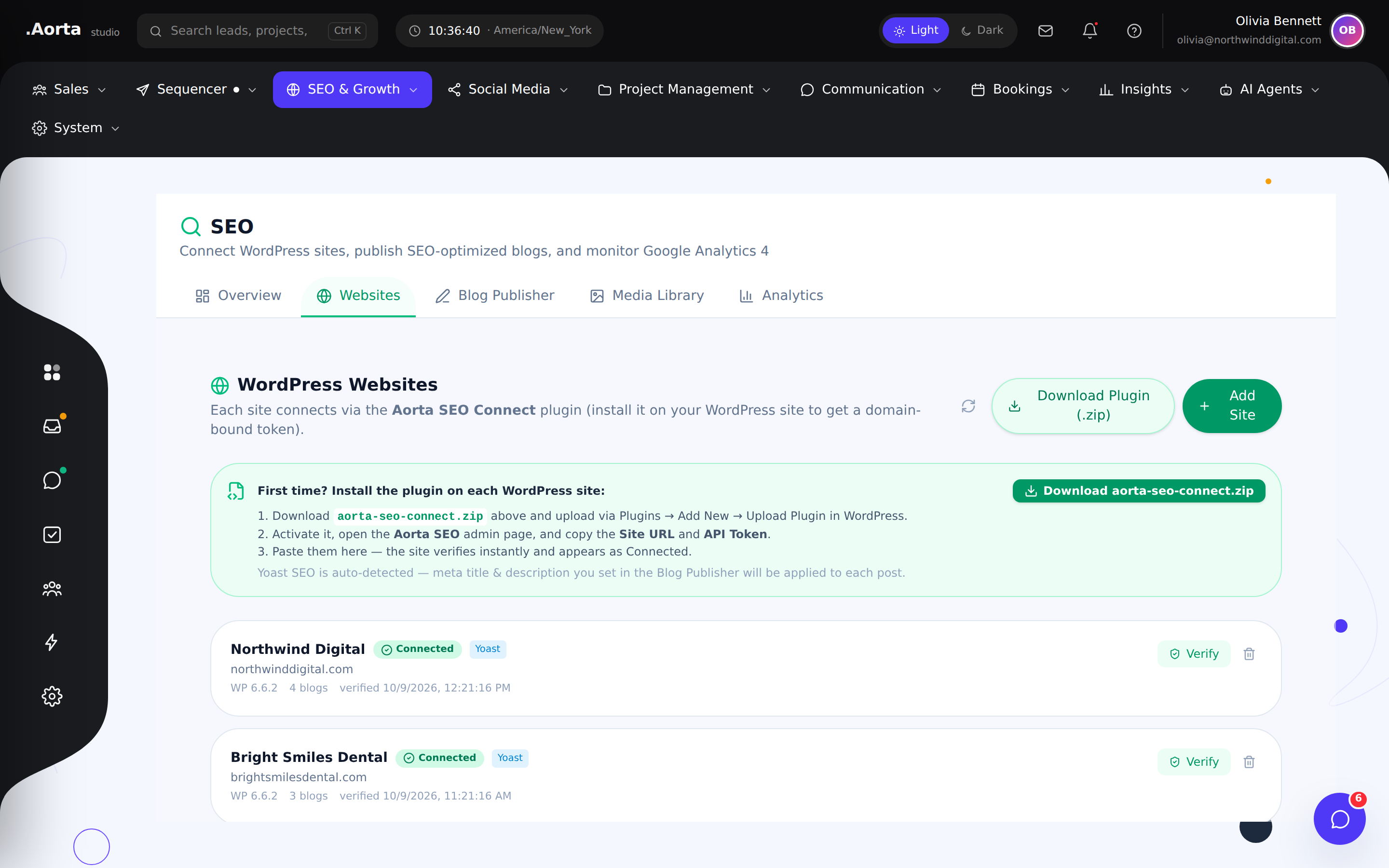
Explore the full feature ↗ SEO & contentOrganize the websites behind your content and SEO workflows.
- Review managed websites
- Keep site context organized
- Move into website-specific work
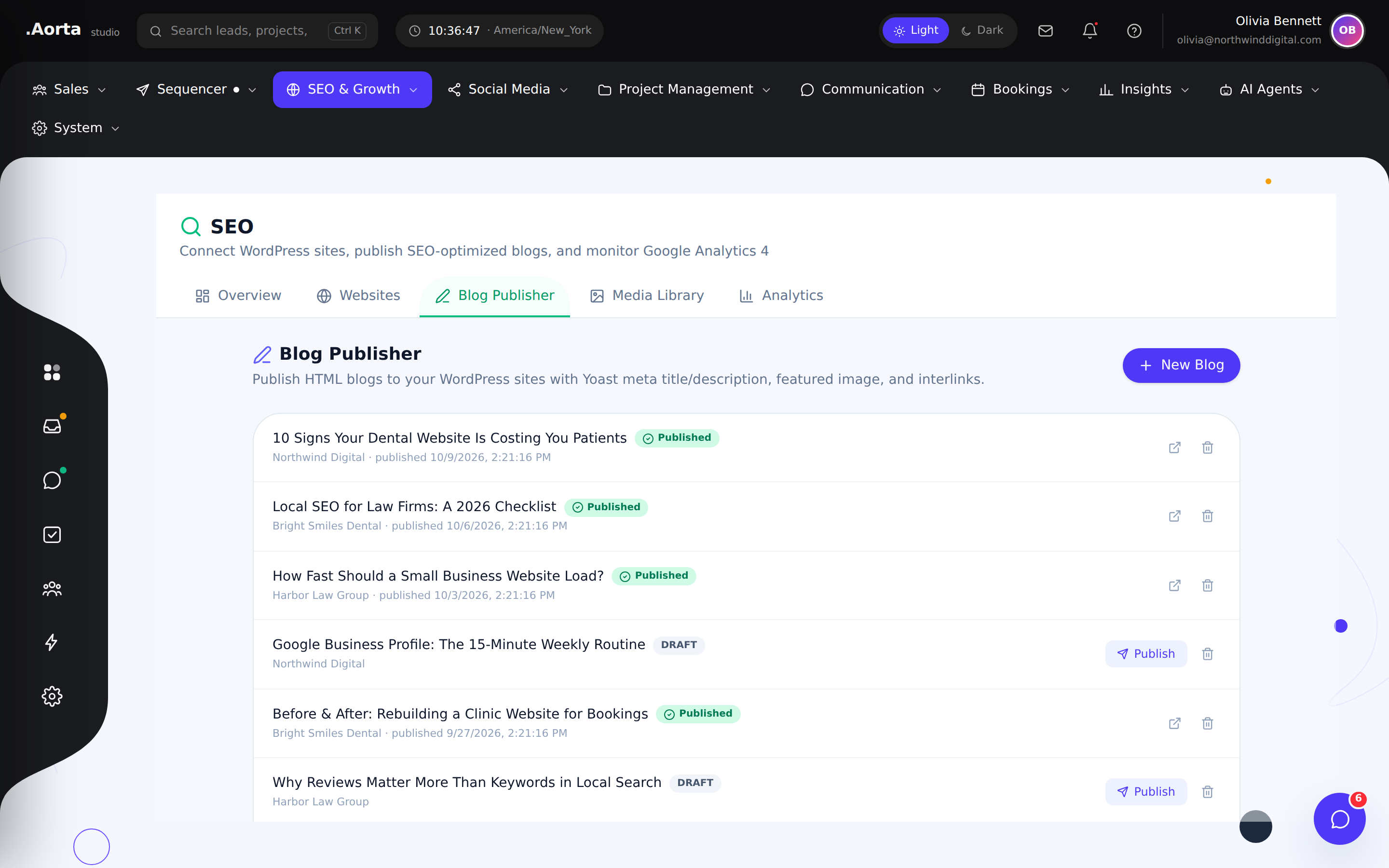
Explore the full feature ↗ SEO & contentManage publishing work alongside the sites and teams responsible for delivery.
- Organize blog publishing
- Review content work
- Coordinate publication across websites
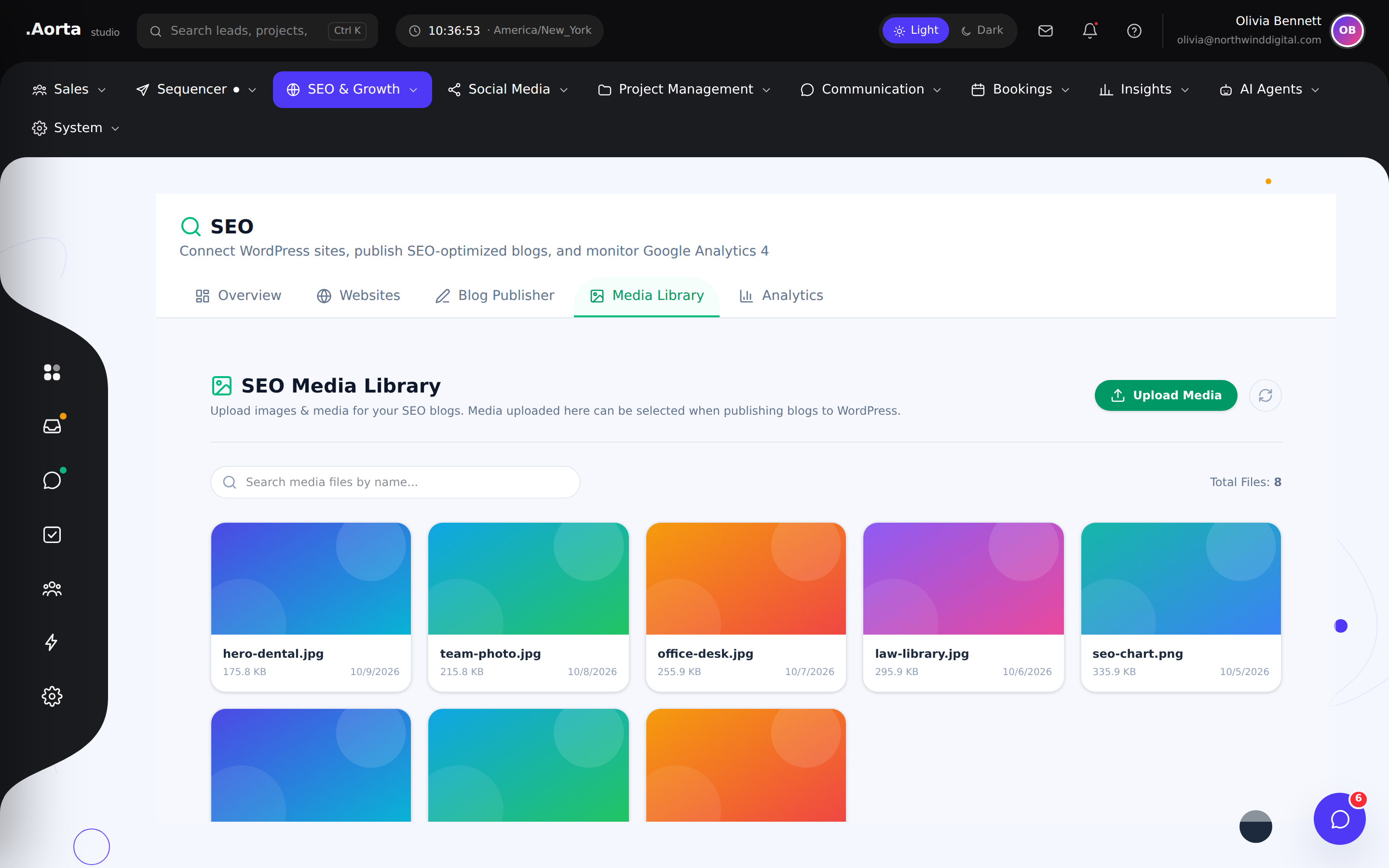
Explore the full feature ↗ SEO & contentOrganize the media used in your publishing workflow in a shared library.
- Browse media assets
- Find content for publishing
- Keep reusable assets organized
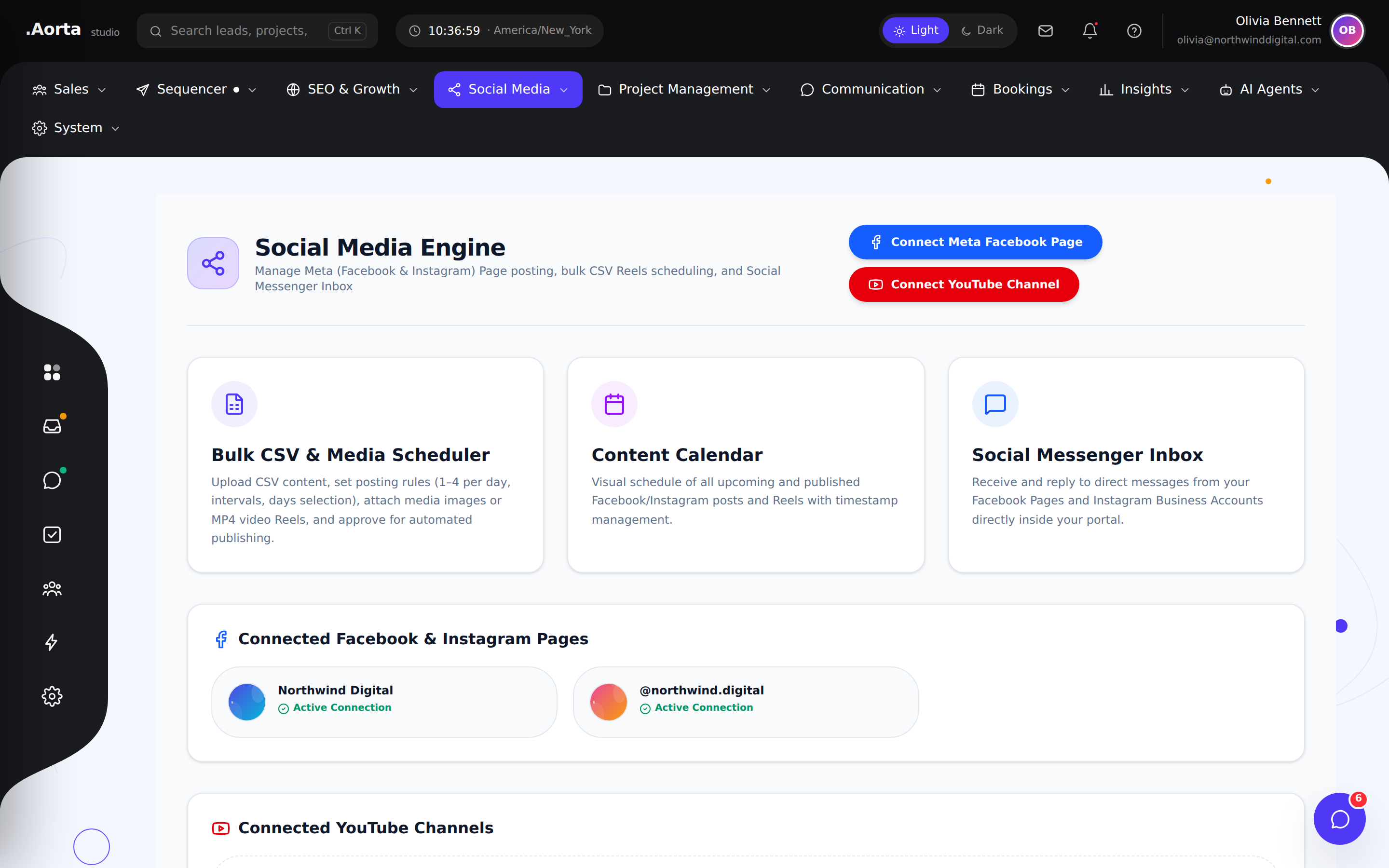
Explore the full feature ↗ Social publishingManage social publishing alongside your campaigns, content and client operations.
- Review social publishing activity
- Organize connected social accounts
- Move between planning and scheduling
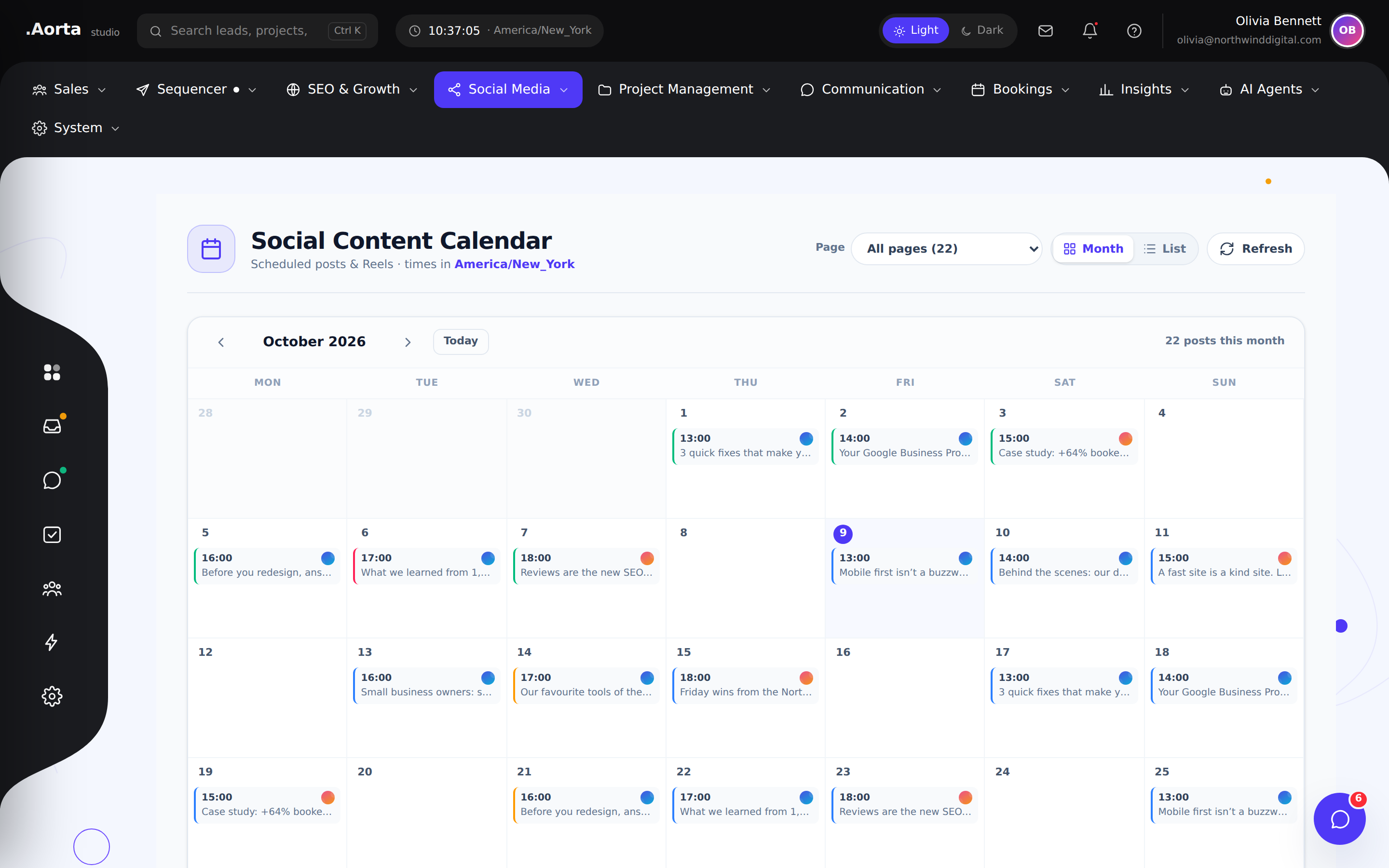
Explore the full feature ↗ Social publishingReview scheduled social content on a calendar so your publishing rhythm is easy to understand.
- View the publishing calendar
- Review upcoming content
- Plan around gaps in the schedule
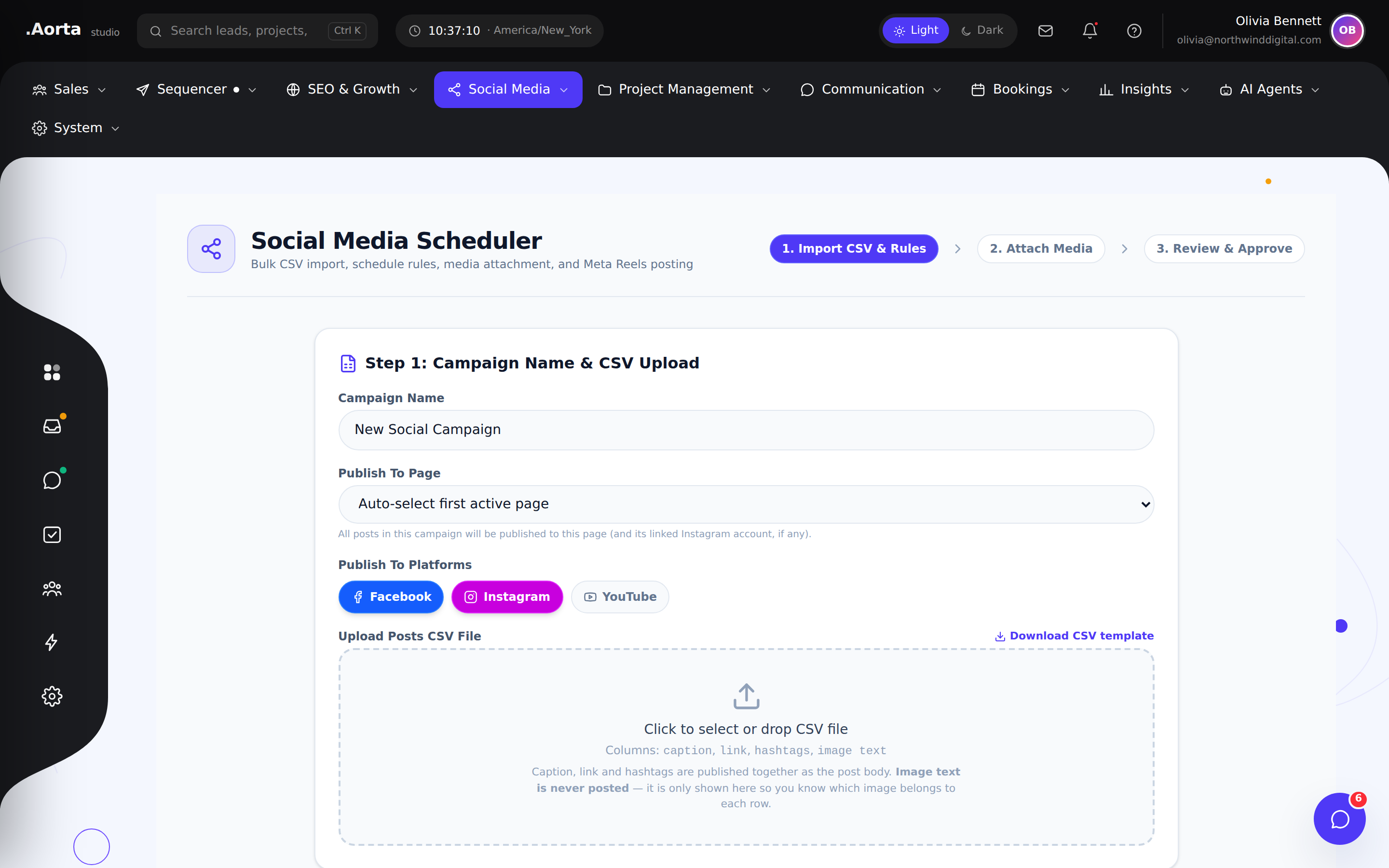
Explore the full feature ↗ Social publishingOrganize scheduled posts and Reels for Facebook and Instagram from one publishing workflow.
- Prepare social posts and video Reels
- Review scheduled publishing
- Coordinate your content queue
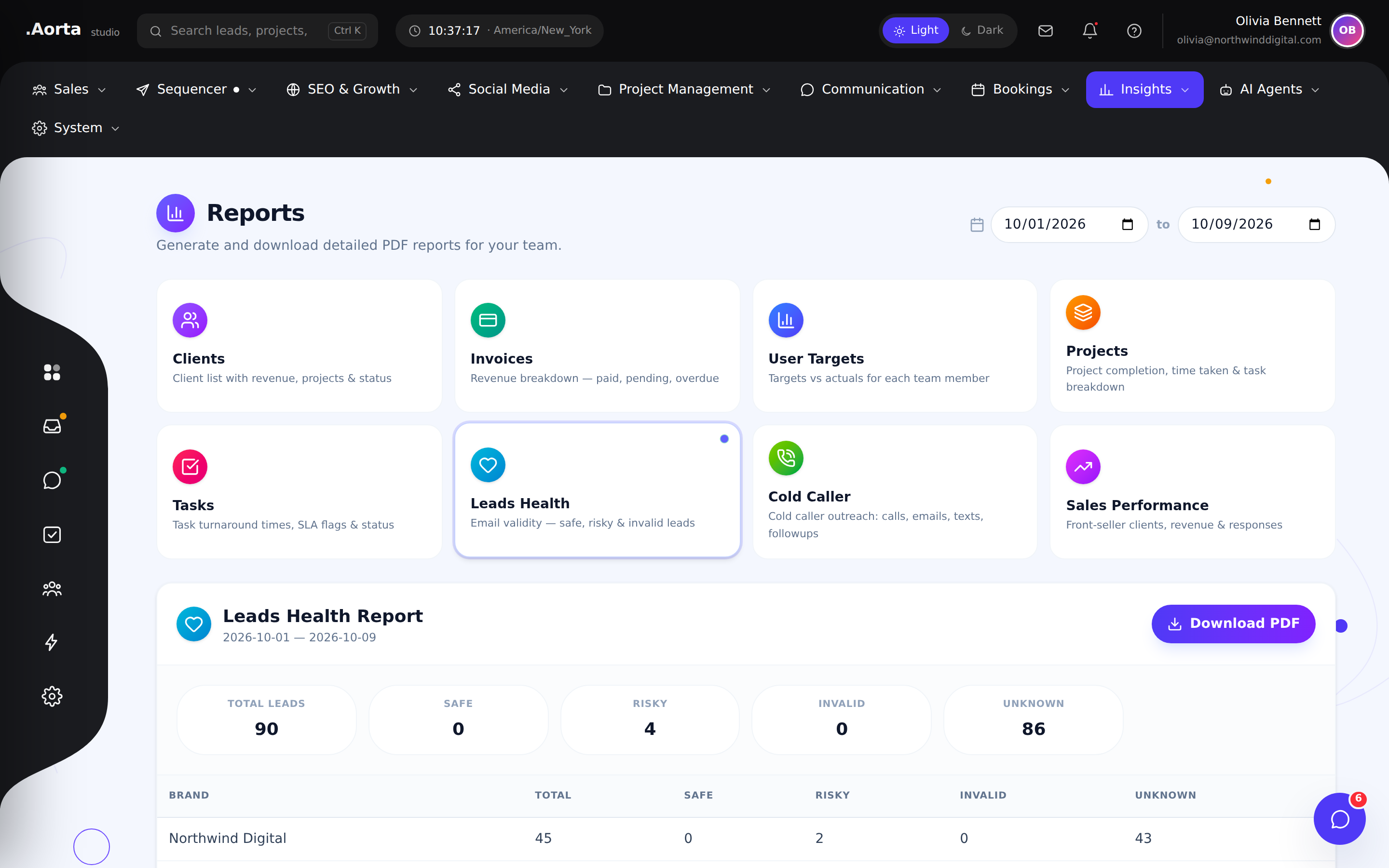
Explore the full feature ↗ Platform & insightsBring operational reporting together so decisions stay connected to what your team is doing.
- Review business reports
- Understand activity across workflows
- Use insights to guide the next step
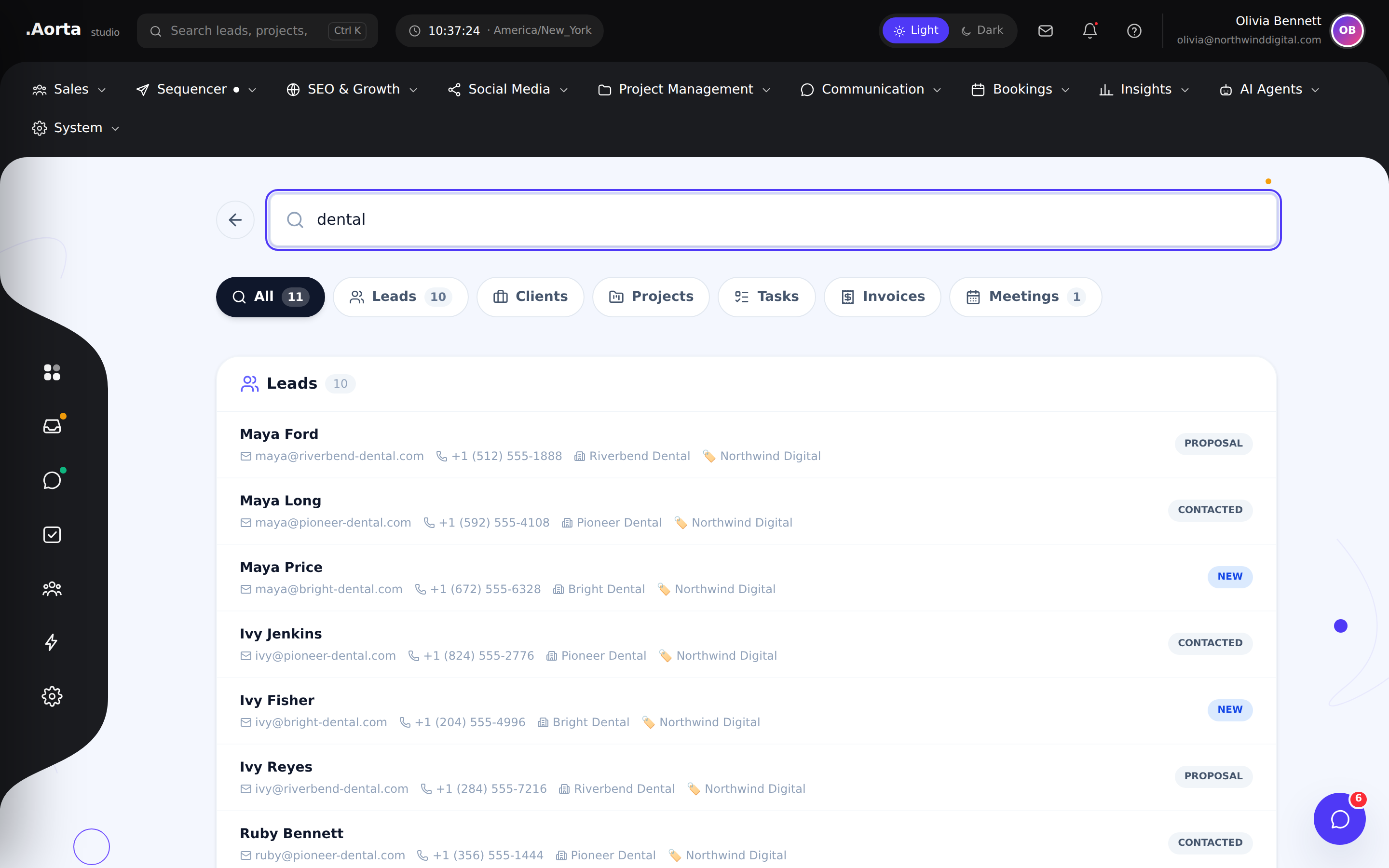
Explore the full feature ↗ Platform & insightsFind records across the workspace without retracing every navigation path.
- Search workspace records
- Find relevant leads and projects
- Return to the right context quickly
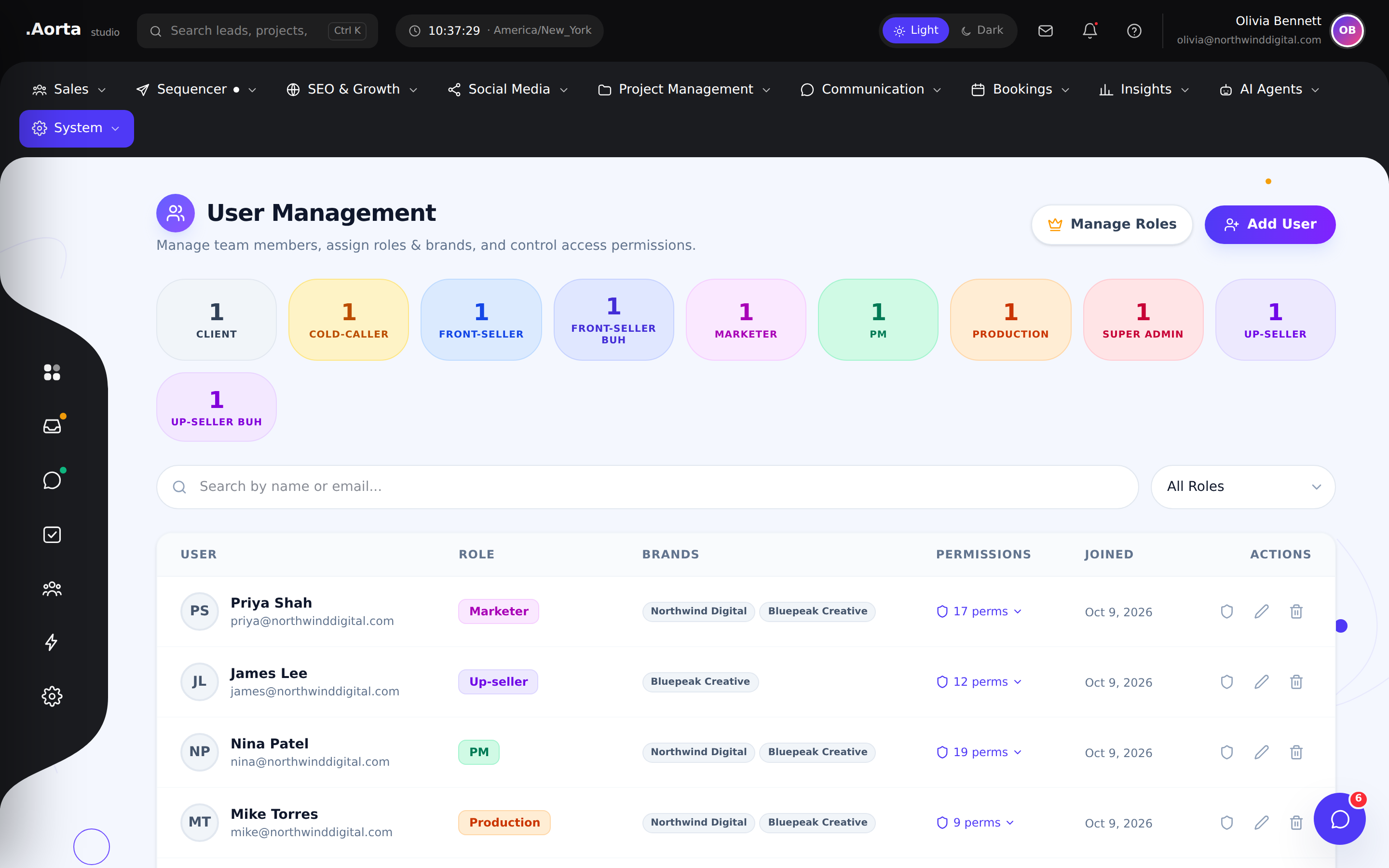
Explore the full feature ↗ Platform & insightsOrganize user access and responsibilities around the way your team works.
- Review workspace users
- Manage role assignments
- Match responsibilities to the right people
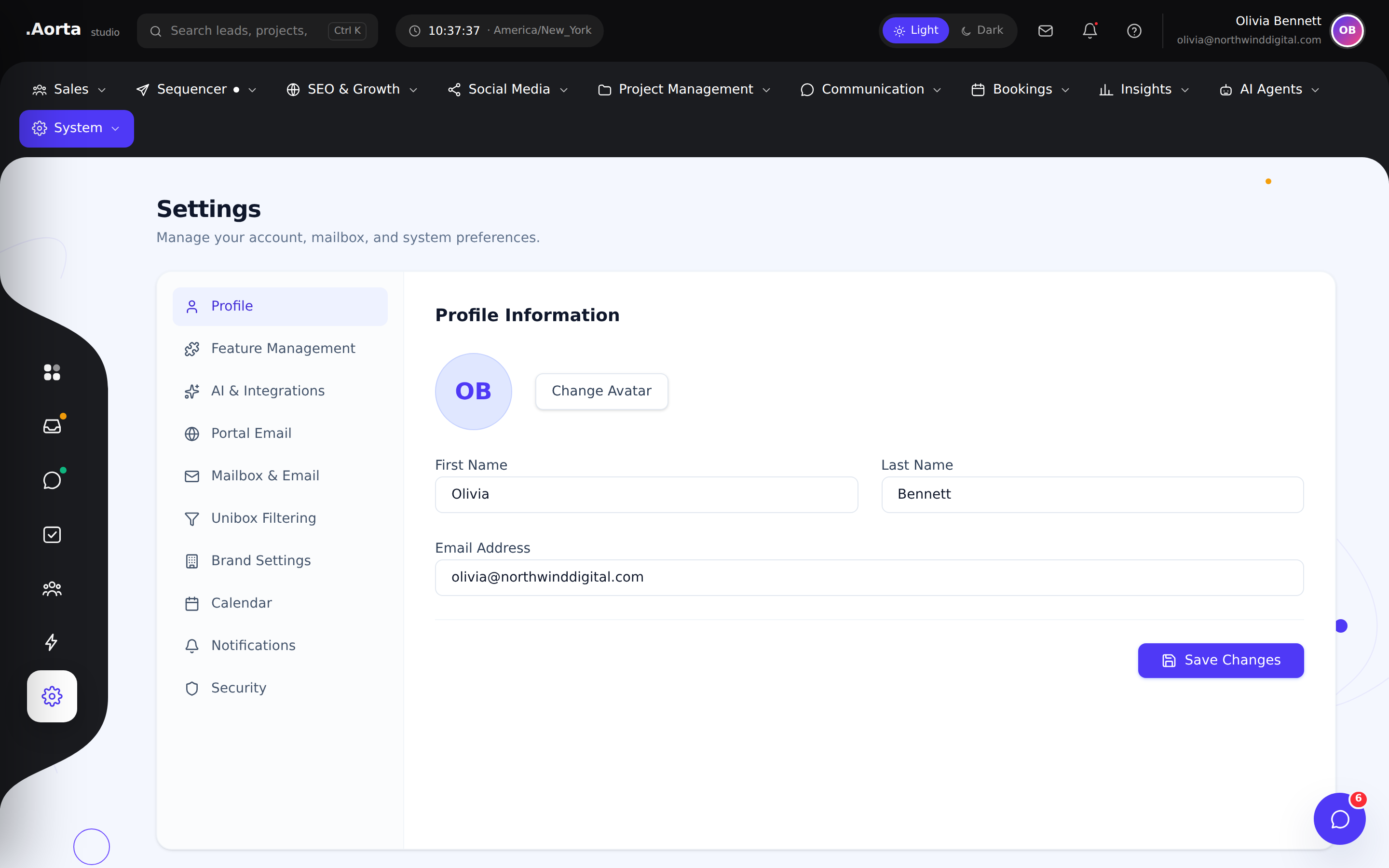
Explore the full feature ↗ Platform & insightsBring the configuration behind your daily operations into a dedicated settings area.
- Review workspace preferences
- Manage operational configuration
- Keep platform setup organized
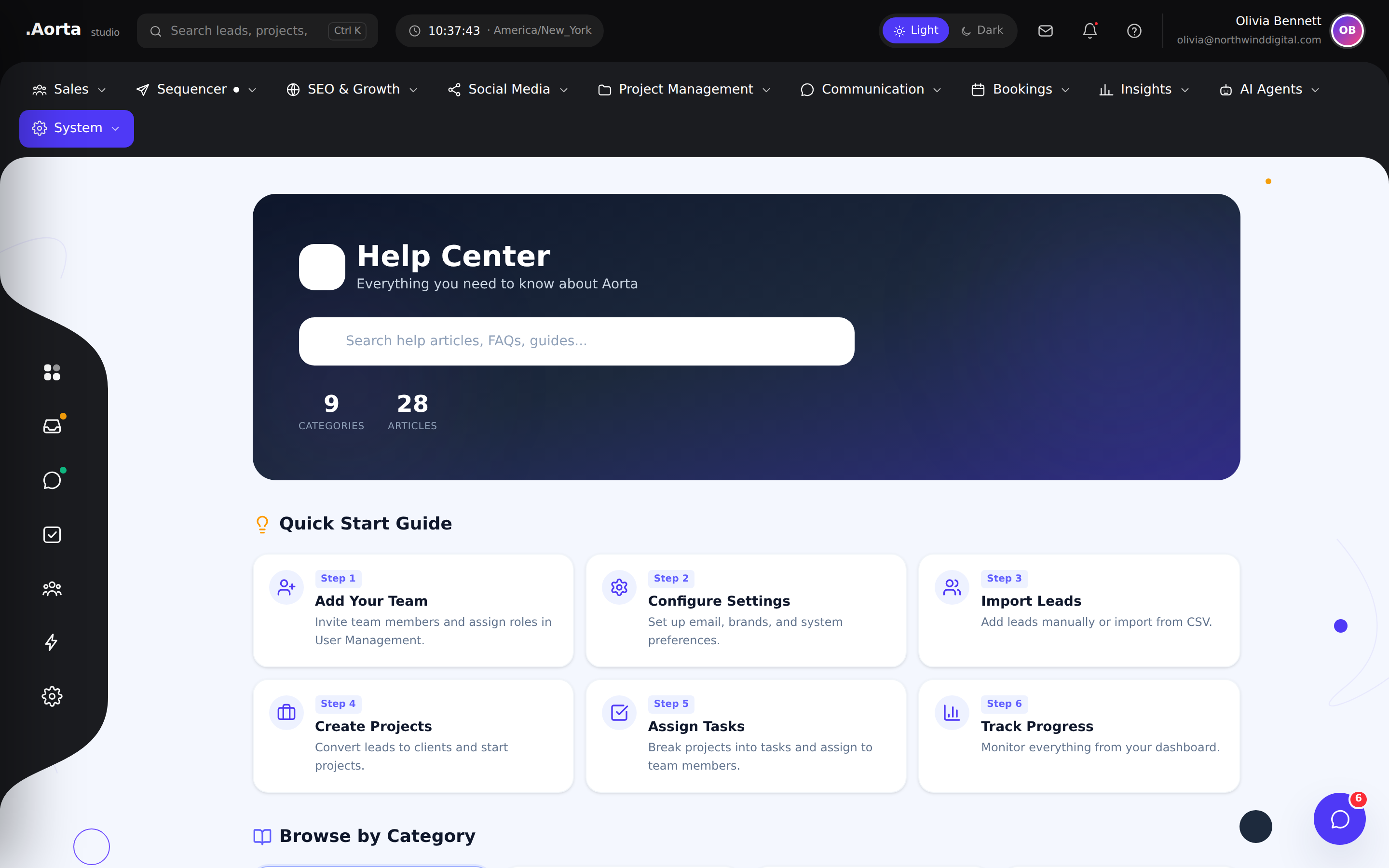
Explore the full feature ↗ Platform & insightsKeep product guidance accessible from the workspace when your team needs support.
- Browse available guidance
- Find help for your workflow
- Keep learning close to daily work
Explore the full feature ↗ No matching features. Try another search or product area.